
Reusable character creation
AI Character Generator for a Character You Can Reuse
Turn one approved look into a named visual reference. This AI character generator helps you create new scenes without rebuilding the face, hair, and defining details from zero each time.
01
An AI character generator can make a face, then lose it
The first portrait often looks finished. The trouble appears on image two: the eyes widen, the jaw changes, a short fringe becomes long hair, or the jacket gains details that were never approved. A text prompt describes a type of person, but it does not preserve the exact visual evidence that made the first result recognizable.
That drift turns a simple series into a selection job. Creators generate batches, compare near-matches, hide difficult angles, and sometimes accept a weaker scene only because it keeps the face. An AI character generator is useful only when the successful result can become the starting point for the next one.
02
Use the AI character generator as an identity workflow
CharaSync lets you upload or generate a character, save the approved image as a named reference, and mention that reference in later prompts. The model receives visual identity cues alongside the new direction for pose, camera, light, clothing, and environment. You are no longer asking it to remember an earlier prompt from nowhere.
This does not make every output identical, and it should not. The useful goal is controlled change: keep the features that define the person while allowing the scene to move. A clear reference, a focused prompt, and a short review loop make the AI character generator repeatable enough for campaigns, story frames, profile sets, and video concepts.
The identity system
What a reusable AI character generator needs to preserve
A clean identity anchor
Start with the image you would be willing to approve as the character master. The face should be readable, the hairline visible, and the lighting direct enough to show proportions. Heavy beauty filters, extreme wide-angle distortion, and hands covering the face give the model less reliable evidence. One clean anchor is more useful than four conflicting pictures.
A short list of locked traits
Write down the few details that must survive every scene: eye shape, nose, jaw, hair texture, age range, and perhaps one signature garment. Then describe the new action separately. This keeps the AI character generator from treating an outfit change or dramatic light as permission to redesign the person.
References that add information
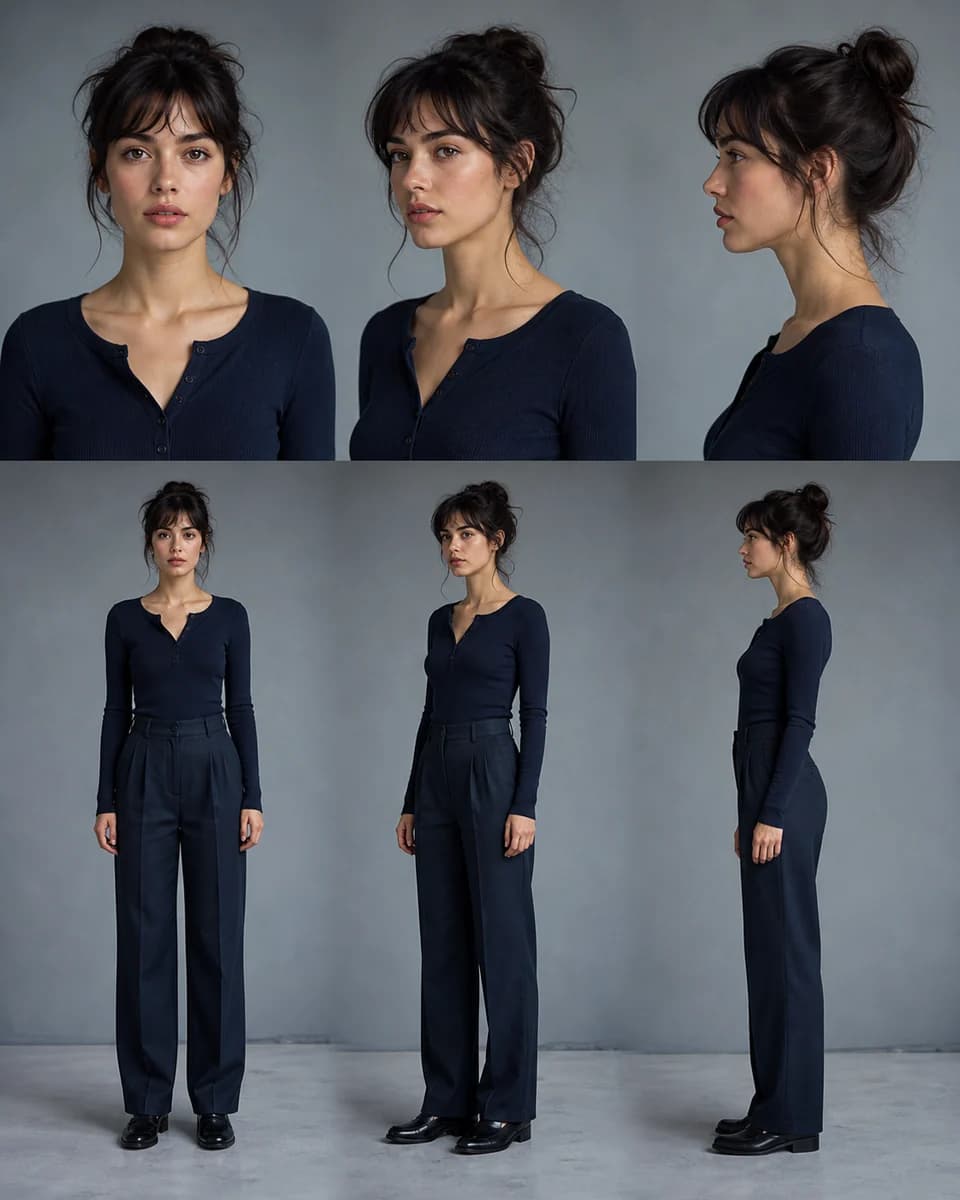
CharaSync accepts up to four reference images in one generation. Add a profile or full-body view only when it explains something the master portrait cannot show. Near-duplicate references add little; contradictory ages, hairstyles, or costume versions create ambiguity and can increase drift.
Approval before expansion
Test one close-up, one three-quarter view, and one full-body scene before producing a large set. If a defining feature changes, correct the reference set or prompt now. Expanding from an unstable master only multiplies the cleanup later.
A focused workflow
From reference to repeatable output
- 01
Choose or create the master look
Upload a clear portrait or generate a simple neutral image first. Approve the face, hair, age, and overall silhouette before adding a complex location.
- 02
Name the reference and direct the scene
Save the selected image to References, give the character a distinct name, then mention that name while describing only the pose, framing, clothing change, and setting you need.
- 03
Review, save, and reuse
Compare each result with the master at a similar crop. Save the strongest new angle when it adds reliable identity evidence, then use that approved set for the next scene.
Practical direction
How to get more from an AI character generator
Describe change without rewriting identity
A useful prompt tells the model what is new. Try: “Use @Mara in a waist-up editorial portrait, looking over her shoulder on a rainy station platform, cobalt coat, 50 mm lens, cool evening light.” The named reference carries the identity; the rest directs the shot. Repeating a long biography in every prompt can introduce new interpretations and make diagnosis harder when something drifts.
For the same reason, change one major variable at a time during setup. Confirm the character at a new angle before combining a new angle, a new hairstyle, a crowded background, and unusual lens distortion in one request.
Separate identity, styling, and scene checks
Review in three passes. First ask whether the person is still recognizable at the face and silhouette level. Next check whether the requested wardrobe and accessories are present without borrowing features from the reference. Last, judge composition, lighting, hands, text, and background. This order prevents a beautiful location from distracting you from a changed face.
The AI character generator may preserve a face while missing a coat detail, or follow the scene while shifting age. Naming the type of error tells you whether to strengthen the reference, simplify the prompt, or regenerate only the shot.
Plan difficult views instead of avoiding them
Profiles, low angles, expressions with a wide-open mouth, and distant full-body shots reveal whether the character system actually holds. Generate those tests early. A second approved reference from a difficult angle can be valuable, but only if it clearly depicts the same person.
When the character becomes small in the frame, facial pixels carry less identity information. Protect the silhouette, hair, color relationships, and signature wardrobe, then create a closer companion shot if facial continuity is critical.
Know when to reset the reference set
Do not keep promoting every attractive result into the reference library. Small changes accumulate: one image softens the jaw, the next follows that image, and five scenes later the cast member looks related rather than identical. Keep a stable master and add only views that improve coverage without changing the design.
If drift has already compounded, return to the original master instead of correcting the latest derivative. That reset gives the AI character generator clean evidence again and makes the next comparison meaningful.
What stays consistent
Protect the details audiences remember
A character that survives a scene change
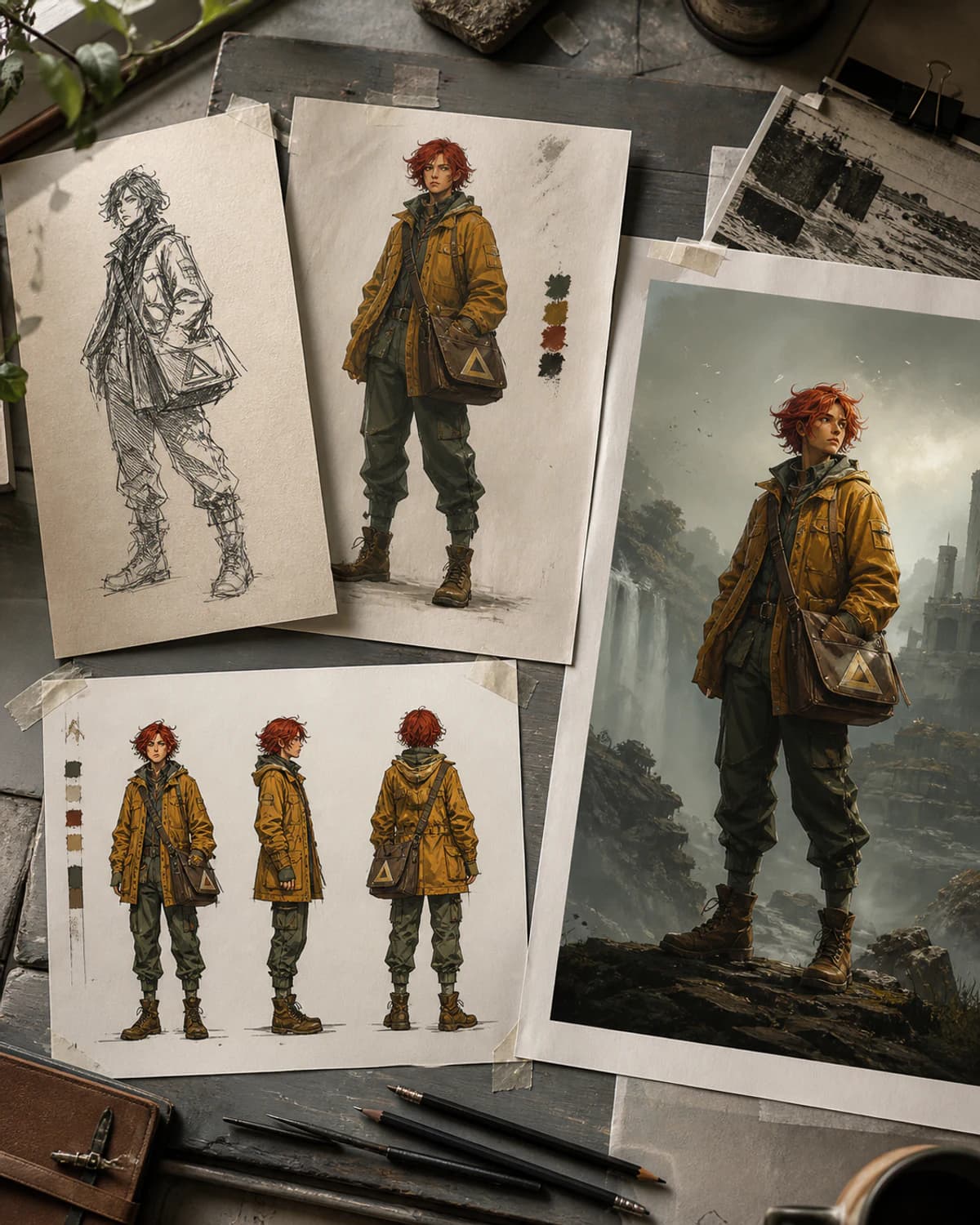
Move from portrait to street, studio, interior, or landscape while keeping the facial structure and signature cues tied to one approved identity.
Fewer blind regeneration loops
A named reference and a fixed review order reveal whether the problem is identity, styling, or composition, so the next attempt has a specific correction.
An asset library you can return to
Keep a stable master, useful angles, and selected outputs together instead of rebuilding the same character from old prompt fragments.
Before you create
Frequently asked questions
What is the best input for an AI character generator?
Use a sharp, well-lit image where the face and hairline are visible and proportions are not distorted by an extreme lens. A neutral portrait is a strong master; add a profile or full-body reference only when it contributes new, consistent information.
Can I generate a character from only text?
Yes. Create a simple first image from text, approve the design, save that result as a named reference, and use it for later scenes. Text finds the initial look; the visual reference helps you return to it.
How many reference images can CharaSync use?
You can use up to four references in one generation. More is not automatically better. Choose views that agree on identity and explain different angles, clothing details, or body shape.
Will every generated image be perfectly identical?
No generative workflow should promise that. Camera angle, expression, occlusion, lighting, and scene complexity can still cause drift. Treat outputs as drafts, compare them with the master, and keep only approved views in the reference set.
More ways to create
Explore related use cases

Build one character, then keep creating
Give the AI character generator one approved visual identity and direct the next scene without starting the person over.