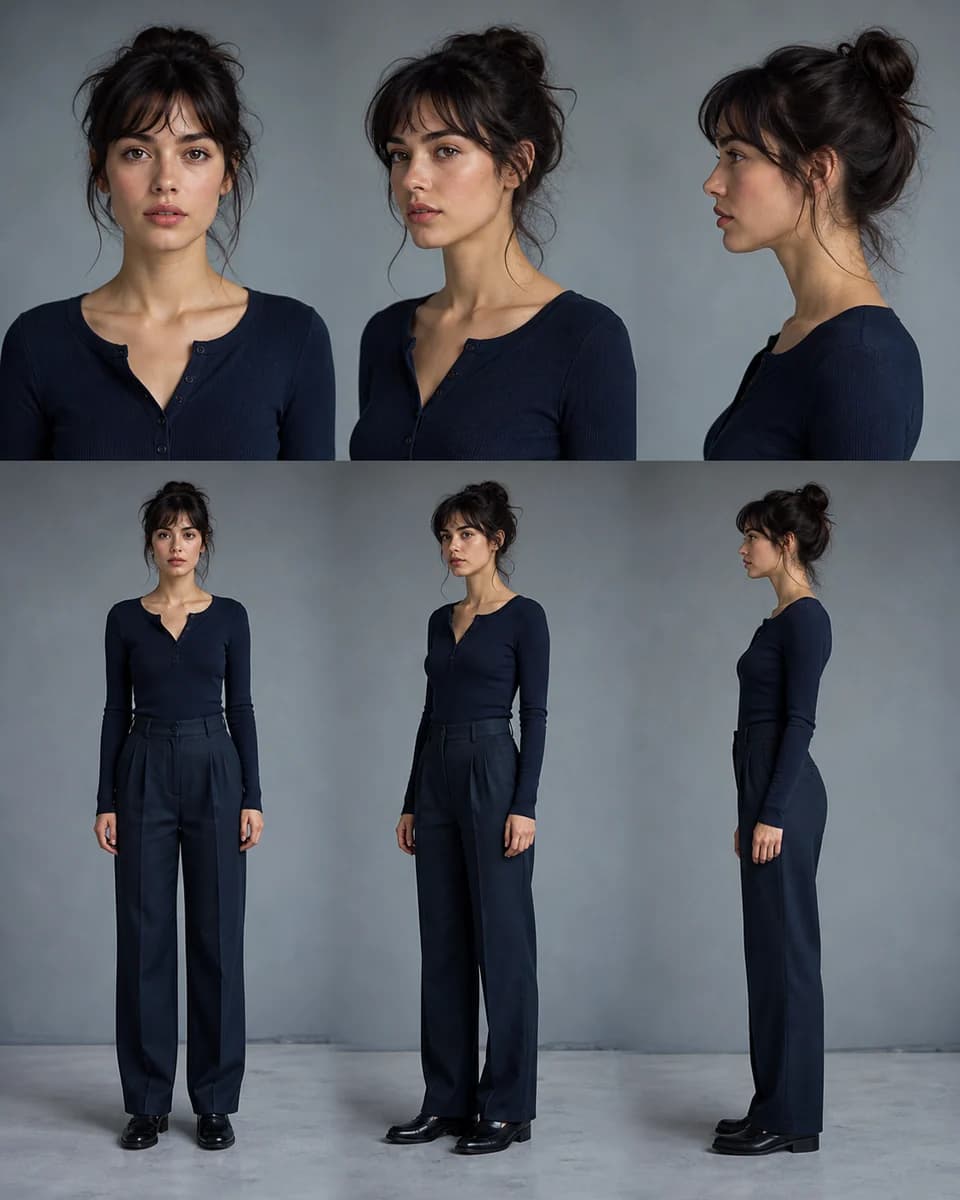
Character pre-production
AI Character Reference Sheet Generator
Build a clear visual identity before creating scenes. Generate matching face, angle, detail, and full-body views that can be reused as references.
Start with one character
From a reference sheet to a new scene
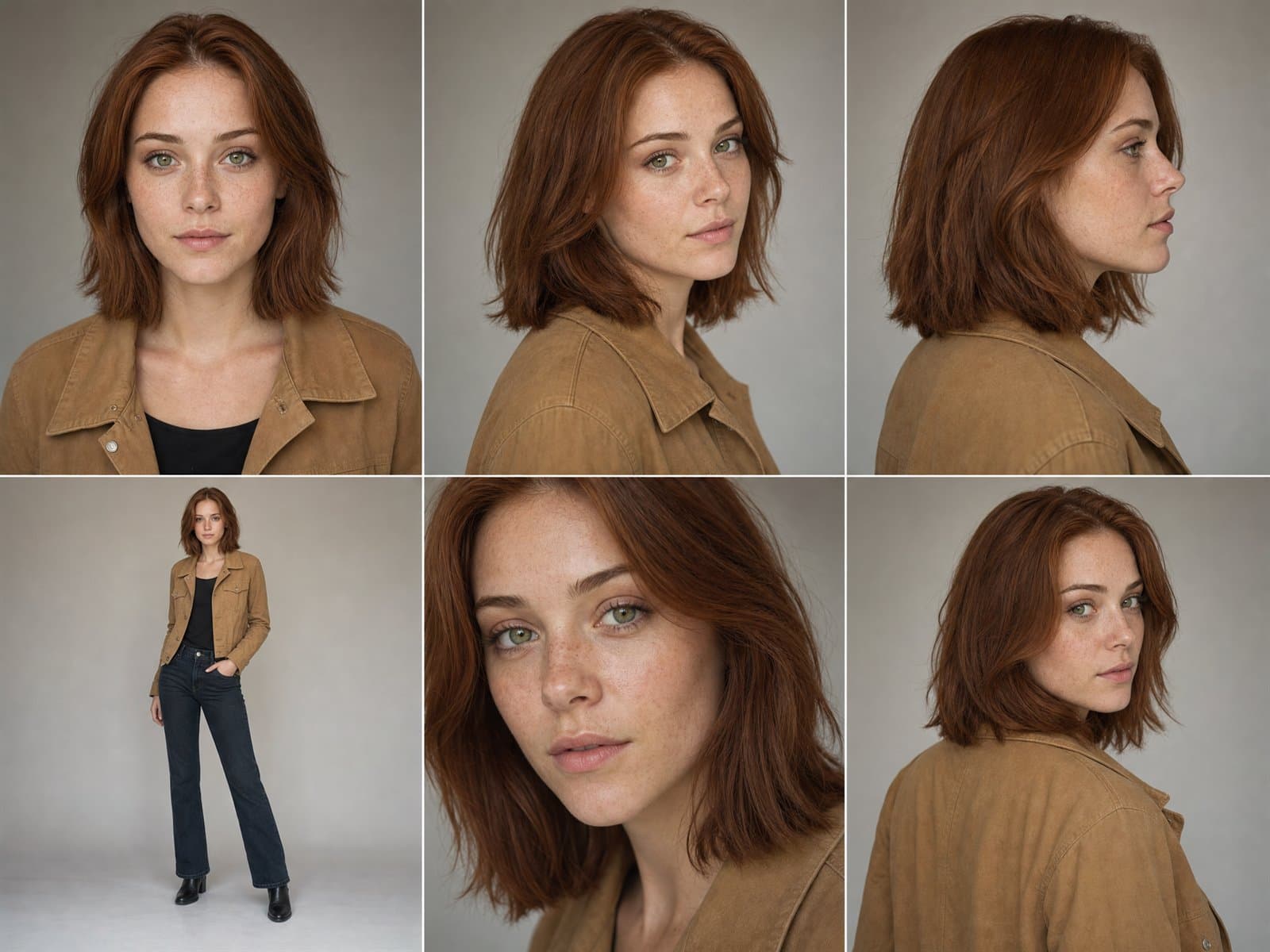

The scene is from a recorded generation, not an output of the reference-sheet prompt below. Results can vary. See the original prompt and settings
An editable reference-sheet prompt
Start with our sample character, or replace it with a reference you have permission to use before generating.
Create a clean character reference sheet of one fictional adult character. Show a front portrait, a three-quarter portrait, a profile, and a full-body neutral stance. Keep the same face, age, hairstyle, body proportions and outfit in every view. Use even studio light, a plain warm-gray background, clear panel spacing and no text. If reference images are attached, preserve that character’s identity.
01
A prompt is not a reliable identity system
Text descriptions leave too much open to interpretation. Facial proportions, hair, clothing, and body shape can drift as soon as the camera angle changes.
02
Use an AI character reference sheet as the source of truth
CharaSync lets you collect clear reference images, name the character, and mention that reference in every prompt. Each new result begins from the same identity instead of rebuilding it from text.
Reference sheet shot list
Six AI character reference sheet views with different jobs
- 01
Neutral front portrait
Show the face without a dramatic expression, hard shadow, heavy makeup, or an object covering key features. This becomes the easiest view for checking eye spacing, nose, mouth, jaw, hairline, and apparent age.
- 02
Three-quarter portrait
Turn the head enough to reveal cheek, nose projection, and jaw depth while keeping both eyes readable. Many story and campaign frames use this angle, so it is often more useful than a second straight-on portrait.
- 03
Clean profile
A side view records forehead slope, nose bridge, lips, chin, ear position, and the back edge of the hairstyle. It reduces guessing when the character looks away from the camera.
- 04
Full-body neutral stance
Keep the camera level and the pose simple. Record height impression, shoulder width, limb proportion, silhouette, footwear, and how the signature outfit fits the body.
- 05
Expression range
Add two or three expressions only after the neutral identity is stable. Use restrained changes such as a natural smile, concern, or focused attention so expression does not become a new face design.
- 06
Signature detail close-up
Isolate the feature that viewers will remember: a scar, glasses, earring, fabric pattern, hairstyle detail, or prop. If an object also needs continuity, save it as its own named reference.
Visible identity checks
Six views, one approved character
- Match the face shape and eye spacing across all angles.
- Keep the same hairline, clothing, and silhouette at full-body distance.
- Use the approved sheet as the reference for later scenes.
A focused workflow
From reference to repeatable output
- 01
Add clear references
Upload one to four well-lit views that show the face, hair, clothing, and silhouette without heavy filters.
- 02
Request useful angles
Generate front, three-quarter, profile, detail, and full-body views with simple lighting and a neutral background.
- 03
Reuse the strongest results
Save approved views to References and mention the character by name in later image or video prompts.
Build a sheet you can use
Plan the AI character reference sheet before generating scenes
Start with a compact coverage plan
Do not fill the sheet with near-duplicate portraits. Begin with front, three-quarter, profile, and full body. Add an expression row or a detail view only when the project needs that information. Four distinct views usually teach more than ten images taken from almost the same angle.
Keep framing, light, and background simple while you compare identity. Cinematic color and dramatic pose belong in the scene work that follows, not in the first diagnostic sheet.
Use a prompt that separates identity from layout
A practical prompt can read: “Create a clean AI character reference sheet for @Mara. Show one front portrait, one three-quarter portrait, one profile, and one full-body neutral stance. Keep the exact face, age, hair, body proportions, and dark green jacket consistent. Use even studio light, a plain warm-gray background, clear panel spacing, and no text.”
Replace only the name and approved identity markers. If the first attempt changes clothing or face between panels, reduce the number of views and generate them separately.
Audit structure before style
Compare the eyes at the same scale, then inspect nose, mouth, jaw, hairline, ears, neck, shoulders, body proportions, and recurring accessories. Reject a polished sheet when one panel looks like a relative rather than the same person.
Write down the exact failure, such as “jaw widens in profile” or “hair part moves to the opposite side.” Specific notes create a useful next prompt. General reactions do not.
Return to approved anchors
Save the strongest views under one named character and reuse them for later scenes. Do not replace the whole reference set whenever a new image looks attractive. Promote a result only when it adds missing information and still matches the approved identity.
For video, choose the reference angle closest to the opening frame. For an object, use the same method with front, side, rear, scale, material, and signature-detail views.
Keep versions small and traceable
Name the first approved AI character reference sheet clearly and keep the source images beside it. When hair, wardrobe, age, or a story event changes the design, create a new version instead of quietly replacing the original. A collaborator should be able to tell which identity and costume apply to a scene without comparing file dates.
Keep the prompt and rejected notes with the approved set. The useful archive is not every generation. It is the small group that explains what the character is, what changed, and which views can guide future work.
Test the sheet with one difficult scene
Before producing a full series, ask the character to enter a scene that combines a less familiar angle with a clear action. A profile walking shot, low seated pose, or over-the-shoulder view quickly reveals whether the AI character reference sheet contains enough shape and body information.
If the face holds but the silhouette changes, add a full-body anchor. If an accessory moves or disappears, add a detail reference. If every part drifts, return to a simpler scene and verify that the anchor images agree with each other.
What stays consistent
Protect the details audiences remember
Recognizable facial structure
Keep the eye shape, jawline, nose, hairline, and other identity cues aligned across views.
Practical angle coverage
Create references that help the model understand how the same subject looks beyond one portrait.
A reusable identity library
Return to the same approved character instead of searching through old prompts and temporary links.
Before you create
Frequently asked questions
What makes a useful AI character reference sheet?
A useful AI character reference sheet covers distinct identity information: front, three-quarter, profile, full body, and only the expressions or signature details the project will need.
How many images should a character reference sheet include?
Start with three to six useful views: front, three-quarter, profile, close-up, and full body. Clarity matters more than filling every possible angle.
Can I use an AI-generated image as the first reference?
Yes. Add a successful result to References, give it a clear name, and use it as the identity anchor for the next generation.
Should every reference use the same background?
A simple background helps when building the first reference set, but later scene generations can use different environments and lighting.
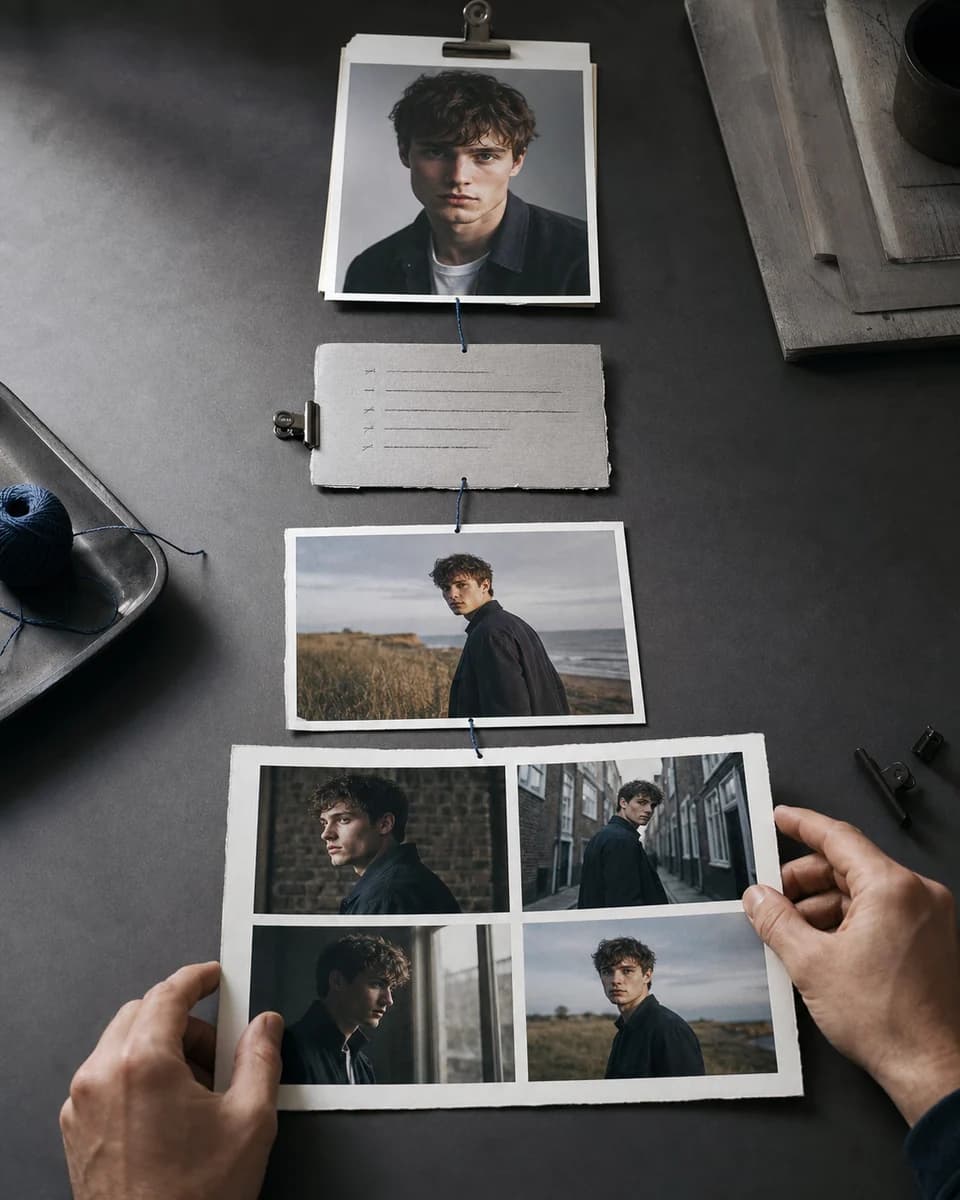


Build an AI character reference sheet you can reuse
Create the reference views once, then bring the same character into every image and video that follows.