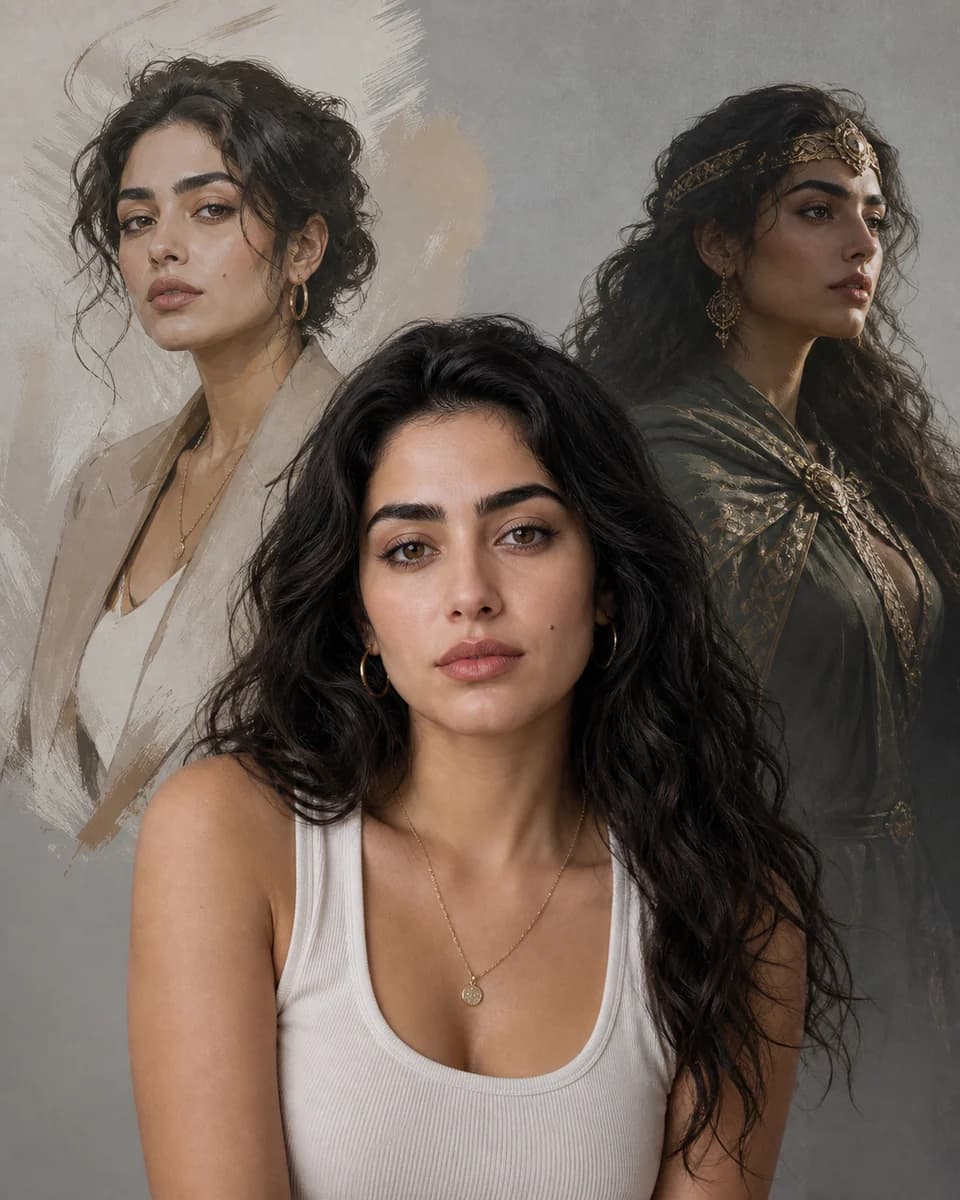
Photo to reusable character
Make an AI Character From a Photo
Turn a clear portrait into a reusable visual identity. Keep the face people recognize while changing the setting, wardrobe, camera angle, or illustration style.
01
A photo contains more identity than a prompt can name
A prompt can describe brown eyes, a short haircut, or a narrow face, but those labels do not capture the exact spacing between features. When you try to make AI character from photo with text alone, the model fills those gaps differently in every image. The result may match the description while looking like another person.
The goal is not to copy every pixel. It is to preserve the small relationships that make the subject recognizable, then give the generation enough room to change pose, clothes, scene, and style.
02
Use the portrait as an identity anchor
CharaSync lets you upload one to four reference images and attach them to a named character. Each new prompt starts from that visual identity instead of reconstructing the person from adjectives. This reference-led method is useful when you want to make AI character from photo without training a separate model.
One clean front-facing portrait is enough to begin. Extra angles become useful when the character must turn, appear full body, or return across a longer sequence.
What the photo contributes
Separate the identity you keep from the style you change
Reference
Choose a sharp, well-lit portrait with a natural expression. Avoid beauty filters, strong shadows, covered eyes, and lenses that distort facial proportions.
Identity
Keep the face shape, eye spacing, nose structure, mouth, hairline, and other visible markers. These relationships carry recognition better than a long list of adjectives.
Direction
Use the prompt for what should change: wardrobe, location, pose, camera distance, lighting, medium, and mood. Do not rewrite the person in every prompt.
Reuse
Save the character and mention the same reference in later prompts. Review each result before it becomes the reference for the next scene.
A focused workflow
From reference to repeatable output
- 01
Upload a clean portrait
Start with one image where the whole face is visible. Add a profile or three-quarter view only when the next scene needs that information.
- 02
Name the character
Create a stable reference entry so you can call the same person into future prompts without uploading the portrait again.
- 03
Describe the new image
Write the scene, action, framing, clothing, and visual treatment. Generate, compare the face with the source, and refine one variable at a time.
A practical photo-to-character method
Build a character that can survive the second image
Pick references for information, not variety
More reference images do not automatically improve a result. Four nearly identical selfies repeat the same information, while a clear front view and a clean three-quarter view reveal how the face changes with angle. If the character will appear full body, add one image with an undistorted silhouette and visible clothing.
When you make AI character from photo, consistency begins with source quality. Crop out unrelated people. Prefer even light and a neutral expression. Keep at least one image free of sunglasses, hands across the face, heavy makeup filters, or hair covering a major feature. A weak reference forces the generator to guess before it even reaches your prompt.
Write prompts around the scene, not the biography
The uploaded portrait already carries the face. Repeating a dense physical description can conflict with the reference and pull the result toward a generic interpretation. Describe what the camera should see: “waist-up portrait in a quiet bookstore, navy coat, soft window light, looking past camera.” Add medium or style after the scene is clear.
This division of labor makes revision easier. If the face drifts, check the reference strength and camera angle. If the outfit is wrong, edit the wardrobe phrase. If the composition feels flat, change framing or light. You can make AI character from photo more reliably when every part of the prompt has one clear job.
Change one demanding variable at a time
A new identity, extreme profile, different age, elaborate costume, distant full-body frame, and unfamiliar art style all ask the model to reinterpret the source. Requesting them together makes it hard to see what caused drift. First establish a recognizable portrait. Then test a new angle. Add the wardrobe or style once the face remains stable.
This is especially helpful when moving from a photograph into anime, editorial illustration, or 3D. The target style may simplify skin texture and facial geometry, so judge identity by shape and placement rather than pores. A stylized result can still be faithful without looking photographic.
Approve an anchor before building a sequence
Do not let an almost-correct image become the source for ten more scenes. Small changes compound when each generation is based on the previous output. Compare the brow, eye spacing, nose width, mouth shape, jaw, hairline, and any distinctive details against the original portrait. Keep the strongest result as an approved anchor.
Once you can make AI character from photo and recognize the person immediately, reuse the named character from that source of truth. Create scene variations from the anchor rather than from a chain of increasingly altered outputs. That keeps a campaign, storyboard, profile set, or social series easier to correct.
What stays consistent
Protect the details audiences remember
A face that remains recognizable
New images preserve the relationships between the features that matter, even when expression or camera distance changes.
Controlled style changes
Move from photo to illustration, editorial portrait, fantasy scene, or product story without rebuilding the person from scratch.
A reusable character asset
The named reference can return in later prompts, which makes multi-image work faster to direct and simpler to review.
Before you create
Frequently asked questions
Can I make an AI character from one photo?
Yes. One sharp front-facing portrait can establish the identity for a simple image. Add other angles when you need profiles, full-body compositions, or poses that reveal details missing from the first photo.
Will the generated character look exactly like the photo?
A reference improves recognition, but generation still introduces variation. Treat the first outputs as auditions: compare facial structure, keep the strongest anchor, and refine demanding changes in separate steps.
Can I change the art style and keep the same person?
Yes. Put the style, setting, and wardrobe in the prompt while the reference carries identity. Large style changes simplify different facial details, so compare proportions and distinctive markers rather than exact texture.
Do I need to train a LoRA or custom model?
Not for this workflow. CharaSync uses saved visual references, so you can make AI character from photo without preparing a training dataset. Training may suit high-volume specialized pipelines, but it adds setup and maintenance.
More ways to create
Explore related use cases
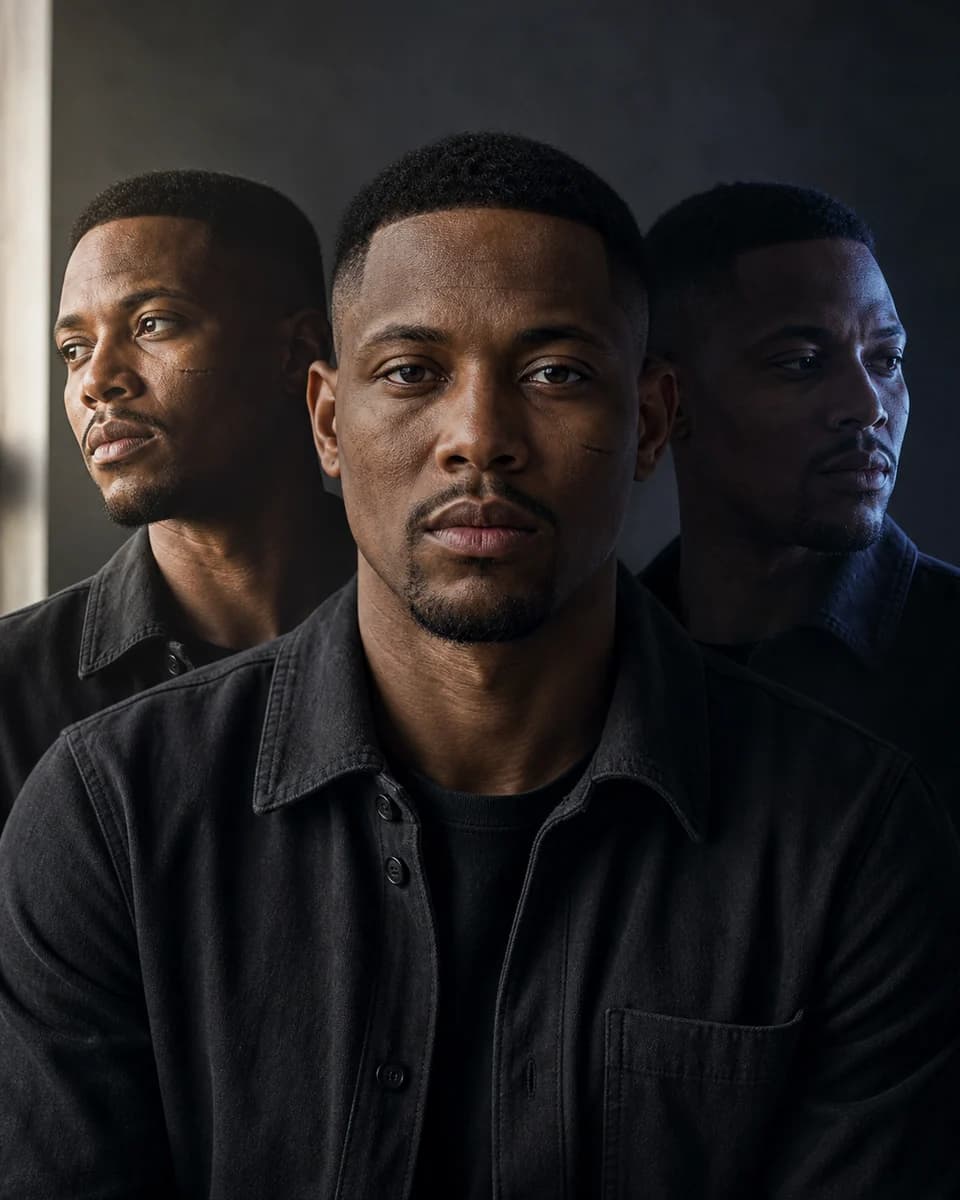
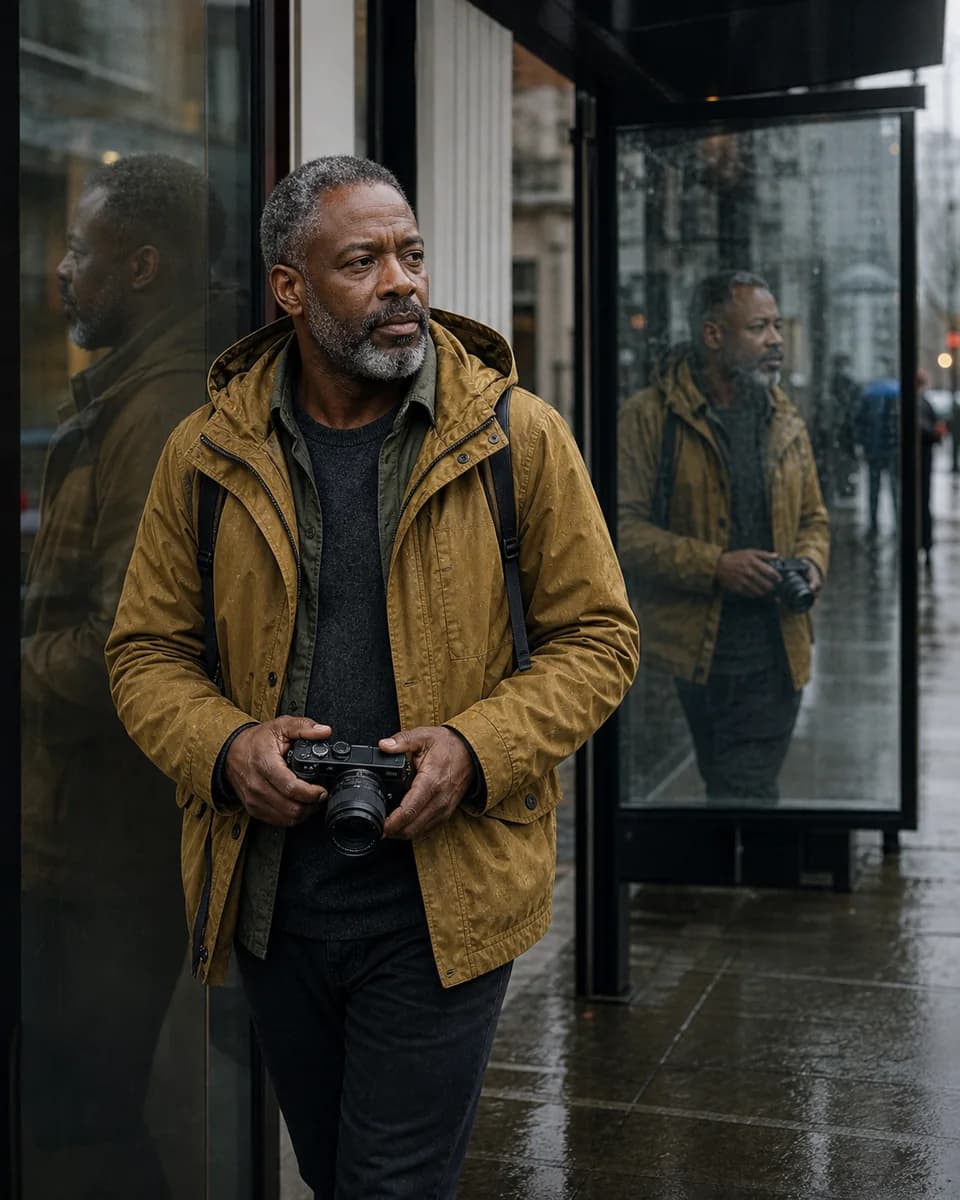
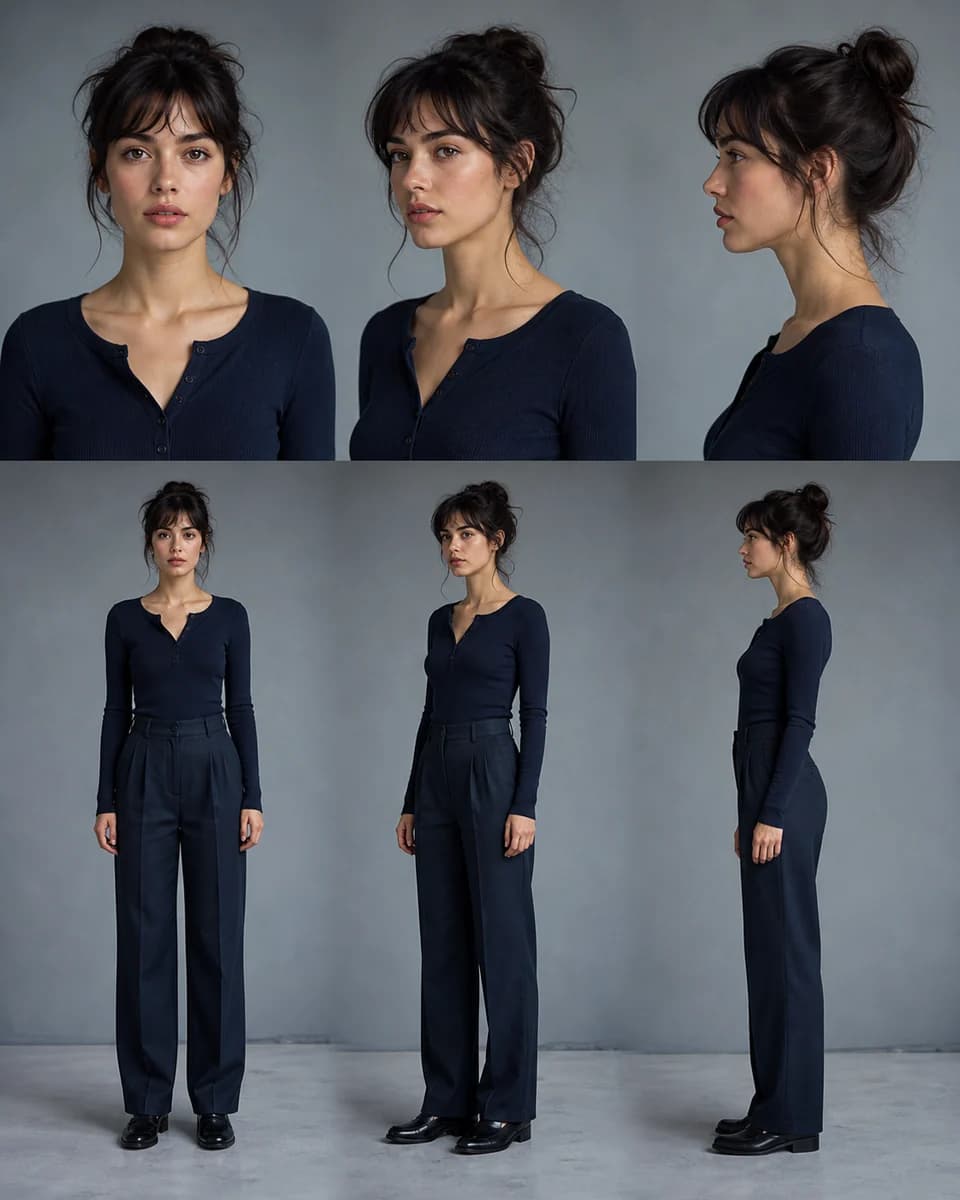
Turn one clear photo into a character you can reuse
Upload a reference, save the identity, and direct the next scene without describing the same face again.