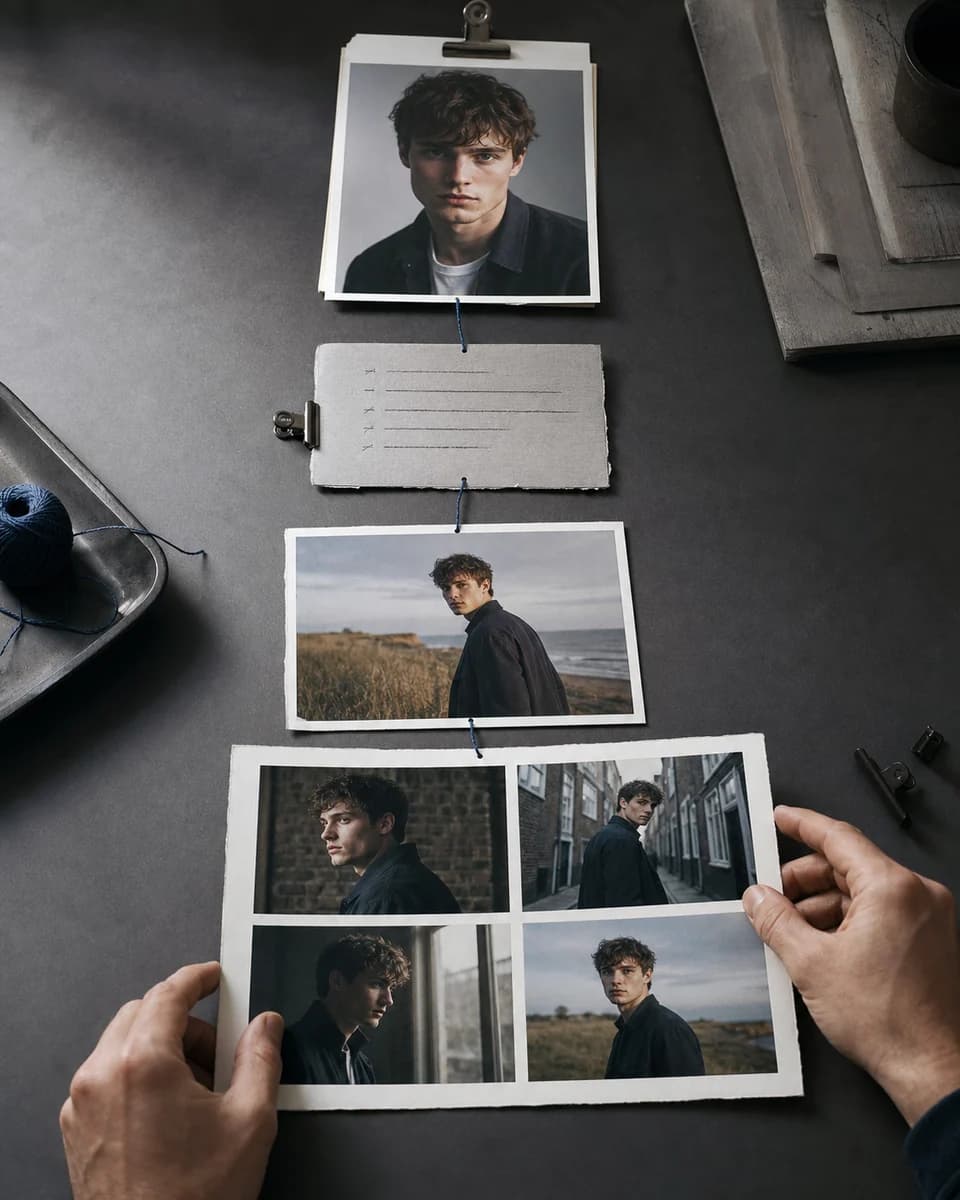
A practical start-to-finish method
How to Create Consistent Characters With AI: 6-Step Guide
Build a visual identity once, test it under controlled changes, and return to an approved reference for every new scene. Consistency comes from the workflow around the prompt.
01
Repeating the same prompt does not lock a character
A text description defines a category, not a precise identity. “Young man with dark curls and a black jacket” can produce many plausible people. As camera angle, expression, wardrobe, or style changes, the model reinterprets the missing details.
Learning how to create consistent characters with AI means creating a source of truth outside the prompt. You need an approved visual identity, a controlled test sequence, and a rule for which image can become the next reference.
02
Treat consistency as character production
Begin with one strong portrait, save it as a named character, and add references only when they contribute a missing angle or full-body information. Use prompts for scene direction, then compare each result with the anchor before continuing.
CharaSync keeps this method lightweight: one to four reference images can travel into new image prompts and video creation without a separate training run.
The complete sequence
A six-stage consistency loop you can repeat
- 01
Define identity markers
Write down the visible features that must survive: face shape, eye spacing, nose, mouth, jaw, hairline, body proportions, and one or two wardrobe or accessory cues.
- 02
Choose a clean anchor
Use a sharp portrait with even light and little obstruction. The anchor should show identity clearly, not merely have an attractive mood.
- 03
Add useful coverage
Include a profile, three-quarter angle, or full-body view only when the next shots need details the anchor does not provide. One to four references are enough for this workflow.
- 04
Run controlled tests
Change angle first, then expression, distance, wardrobe, and environment. Separate demanding changes so a failed result tells you what went wrong.
- 05
Approve or reject
Compare structure with the anchor. Save the strongest result, reject drift early, and never promote a nearly-correct face into the next generation.
- 06
Reuse the source of truth
Return to the named character for every new scene. Do not build a long chain where each generation copies small errors from the previous one.
One anchor, several scenes
Review the same identity under controlled changes
- Lock face shape, hairline, and the dark jacket before changing scenes.
- Change one demanding variable at a time so drift has a clear cause.
- Return to the original anchor after every approval or rejection.
A focused workflow
From reference to repeatable output
- 01
Create the identity
Upload a clean image, give the character a stable name, and note the facial and silhouette details you will check later.
- 02
Direct one clear scene
Describe action, location, camera, light, and wardrobe. Keep identity adjectives short because the reference already supplies the person.
- 03
Review before expanding
Compare the output with the anchor at full size. Approve it only when the face and core markers remain recognizable.
Where consistency is won or lost
Control the variables around the character
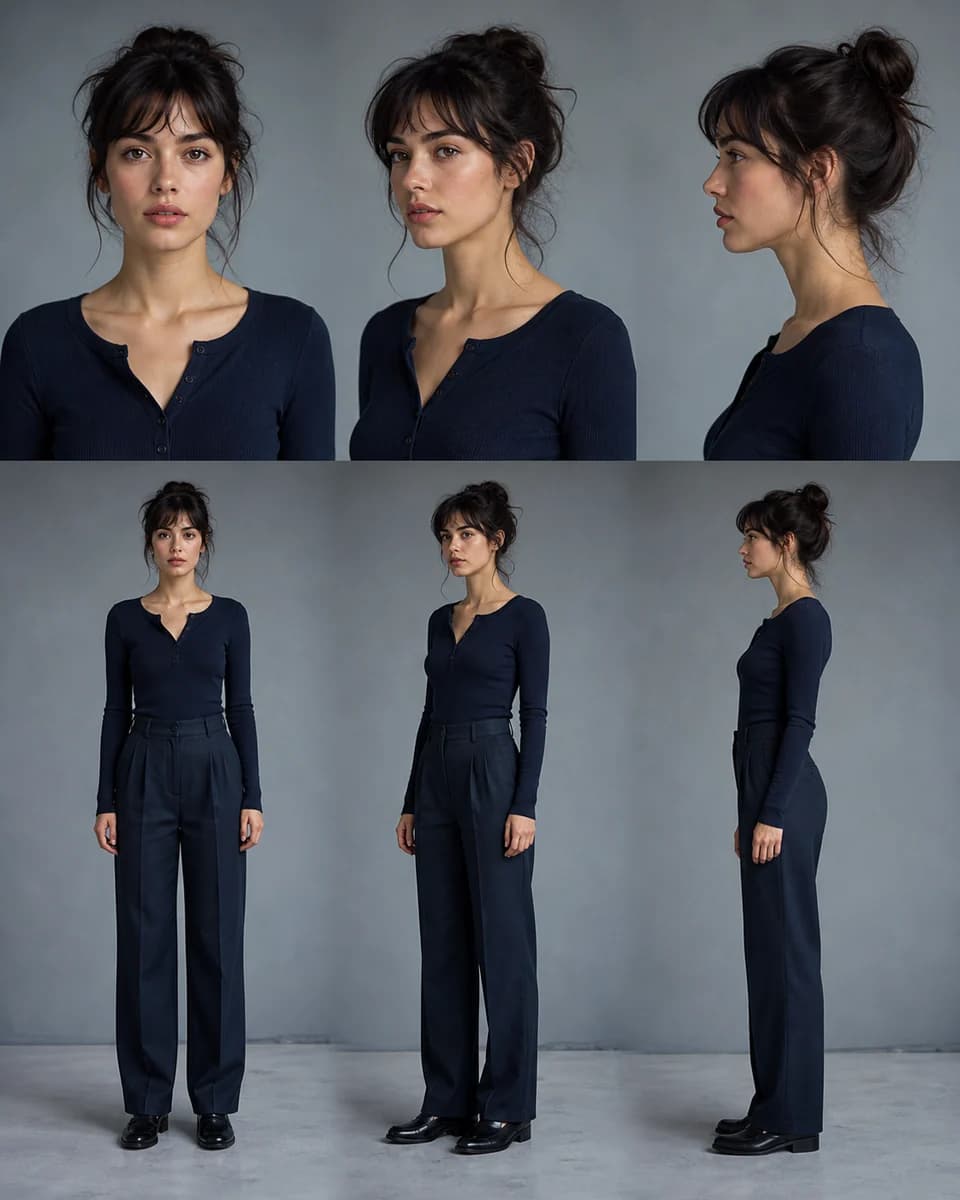
Build a small identity sheet
Before a long project, generate a front portrait, three-quarter view, profile, and full-body image. Keep the expression neutral enough to compare structure. This small sheet reveals whether the hairline changes, the jaw becomes wider, or the body scale shifts when the camera moves.
The sheet is a test, not decoration. When learning how to create consistent characters with AI, it gives every collaborator the same visual criteria and makes later review faster.
Give every prompt one scene
Prompts work better as shot direction than as character biographies. State where the character is, what they are doing, what the camera sees, and how the scene is lit. Avoid asking for three locations, two outfits, and several camera angles in one generation.
For a sequence, write one prompt per shot and keep stable facts stable. If the red scarf is an identity marker, name it the same way. If wardrobe changes, change it deliberately rather than allowing an accidental substitute.
Use a visual review checklist
Check the eyes at the same scale, then move outward to nose, mouth, jaw, hairline, ears, body proportions, and recurring accessories. A beautiful result can still fail identity. Check hands and clothing separately so visual polish does not hide a different face.
Record why a result failed. “Nose too narrow in profile” creates a useful next adjustment. “Doesn’t feel right” does not. This habit turns how to create consistent characters with AI from repeated guessing into directed iteration.
Move from images to video carefully
Approve a strong still frame before animation. In the video prompt, describe one natural action and restrained camera behavior. Large turns, rapid gestures, multiple cuts, and changing light increase the number of frames where identity can drift.
Inspect the face during movement, not only the first and last frame. Reference images supply identity; a reference video, when used, should mainly communicate motion, timing, and camera rhythm.
Use a prompt recipe, not a character biography
A reusable image prompt has five parts: the named reference, one visible action, location, camera framing, and light. For example: “@Mara waits beside a rain-streaked bus window, looking at the passing street. Medium close-up from a three-quarter angle, soft evening light, dark green jacket unchanged, realistic skin texture.”
The reference supplies identity. The prompt directs the shot. If the result changes the face, simplify the scene before adding more identity adjectives. To learn how to create consistent characters with AI, keep a copy of prompts that passed review and change only the scene variables you can name.
Turn failures into a correction log
Pair each rejected result with one precise reason and one next action. “Eyes too wide in low light” can lead to a brighter test with the same angle. “Jacket pattern changed” can lead to a detail reference or a shorter wardrobe instruction. “Profile looks like another person” means the reference set needs a reliable side view.
Do not change reference, prompt, model, style, and framing together. You may get a better image, but you will not know why. A small correction log makes the six-step guide repeatable for another scene or collaborator.
What stays consistent
Protect the details audiences remember
A stable visual source of truth
The team reviews every scene against the same approved identity instead of relying on memory or prompt wording.
Faster, explainable corrections
Controlled changes reveal whether drift came from angle, style, wardrobe, light, or a weak reference.
A character that can enter a series
The same identity can return across storyboards, social campaigns, product scenes, and focused video shots.
Before you create
Frequently asked questions
How many reference images do I need?
Start with one clear portrait. Add a profile, three-quarter view, or full-body image when the scene needs information the first image does not show. CharaSync supports one to four references.
Why does the face change even with the same prompt?
Text leaves exact geometry undefined, and each generation interprets it again. Saved visual references reduce that ambiguity, while controlled tests help isolate difficult angles or style changes.
Should each new image become the next reference?
No. Return to an approved anchor. Chaining outputs can compound small errors until the character slowly turns into someone else.
Can the same workflow create consistent video?
Yes. First approve the still identity, then use the reference with one focused action and simple camera direction. Review facial stability throughout the motion.
More ways to create
Explore related use cases

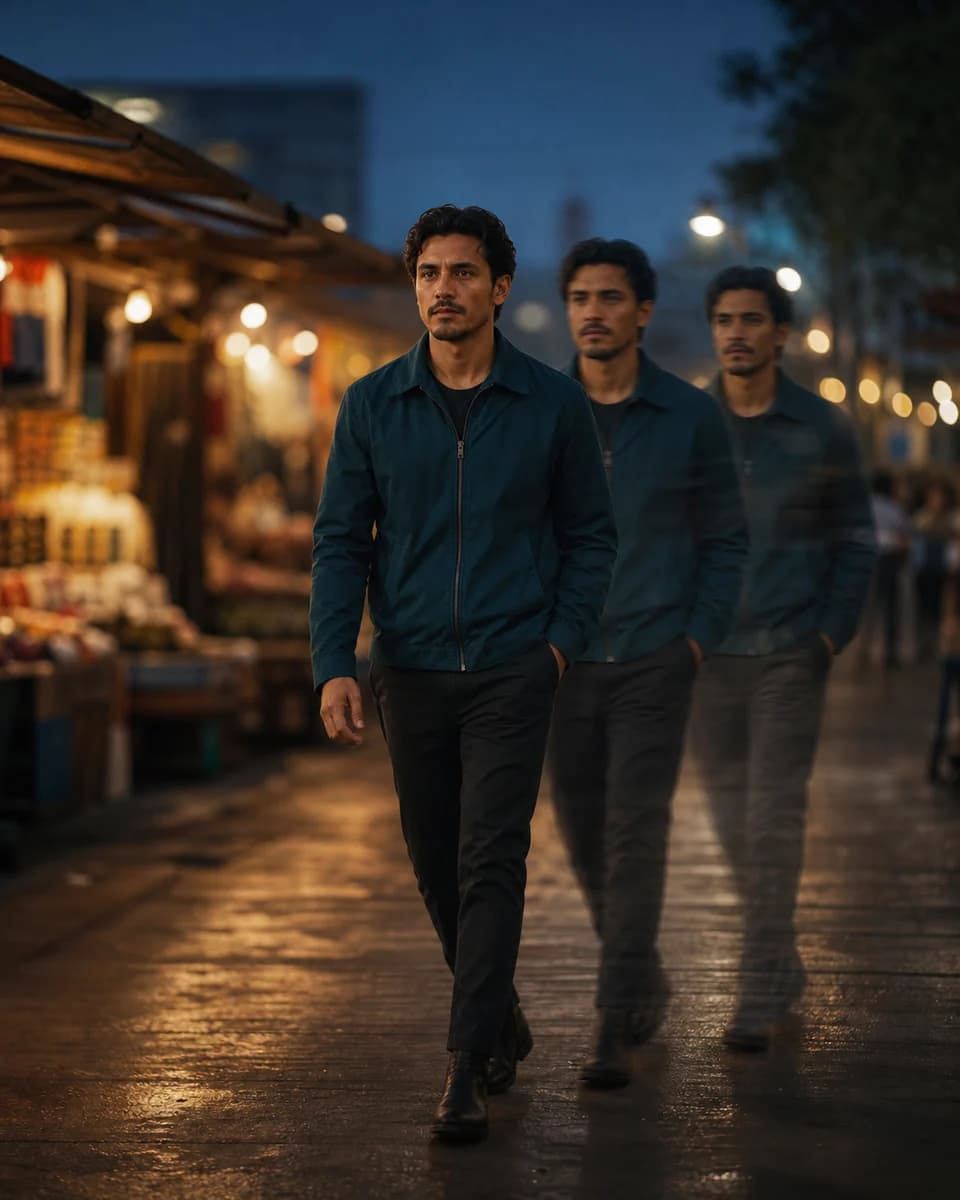
Create the identity before you multiply the scenes
Save a trusted reference, direct one shot, and approve the face before building the series.