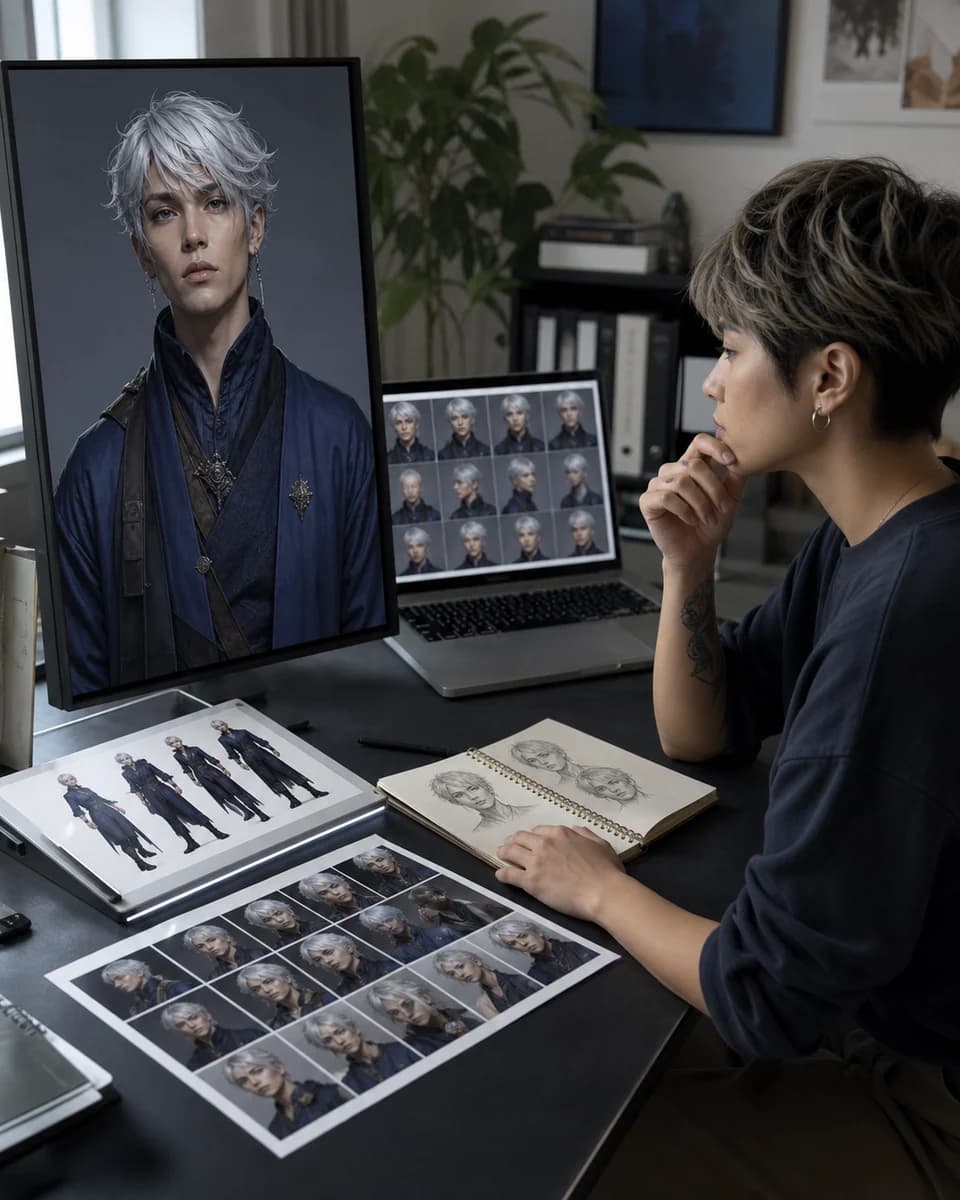
An honest workflow comparison
Best AI for Character Consistency
The best tool depends on how often the character returns, how much setup you accept, and whether you need images, video, or both. Compare the workflow before choosing the model.
01
A model leaderboard does not describe your production day
Search results for the best AI for character consistency often mix image generators, video tools, LoRA trainers, face-replacement apps, and prompt tutorials. They solve different problems. A tool can produce an impressive portrait and still be awkward for a weekly series.
Start with the work you need to repeat: how many characters, how many scenes, which output formats, and who has to operate the workflow.
02
Choose the lightest method that protects identity
CharaSync uses one to four saved reference images and a named character. It is designed for creators who want a browser-based image and video workflow without preparing a training dataset. That makes it a strong fit for quick iteration and mixed-format stories, but it is not the universal answer for every studio.
A trained LoRA may suit a high-volume specialist pipeline. Prompt-only generation is fast for one-offs. The useful comparison is setup, control, reuse, and correction cost.
Compare current approaches
What the best AI for character consistency workflows actually do
CharaSync named references
Save one to four character or object images under a reusable name, mention that subject in a prompt, and carry the same reference set into image or video creation. This browser-based route fits creators who want light setup and do not need to train a private model first.
Runway Gen-4 References
Runway documents support for up to three references in one image generation. Its guidance recommends a clear subject with even light and a neutral expression, then uses prompts to change the location, lighting, treatment, or surrounding scene while preserving identity.
Midjourney Omni Reference
Omni Reference can place a person, object, vehicle, or non-human creature from one reference image into a V7 generation. It can work with Style References and image prompts, but official documentation notes that it uses twice the GPU time of a regular V7 image and has feature compatibility limits.
Leonardo Character Reference
Leonardo separates character, style, content, pose, and other guidance modes. Its Character Reference uses subject likeness from one image, while newer Omni editing models can combine several references depending on the selected model. This gives more controls to learn and test.
A trained LoRA workflow
Training can suit a recurring character that appears at high volume and is operated by a technical team. It asks for a varied dataset, captions, training choices, version control, and a compatible generation stack. The heavier setup is worthwhile only when the recurring workload justifies it.
A controlled comparison
Give every tool the same identity test
- Use the same portrait, profile, full-body, lighting, and style changes.
- Record setup time, attempts, manual edits, and tool switches.
- Choose the workflow that returns to an approved identity fastest.
A focused workflow
From reference to repeatable output
- 01
Define the repeat unit
List the scenes, angles, formats, and publishing cadence. A single cover and a fifty-shot story need different levels of control.
- 02
Run the same identity test
Use one character across a close portrait, three-quarter view, full-body scene, changed light, and a second visual style. Compare structure, not just beauty.
- 03
Count correction effort
Record how many attempts, manual edits, uploads, and tool changes it takes to approve each result. The fastest first image may not create the fastest series.
Decision criteria that matter
Test the workflow, not the demo image
Reference control and identity range
Ask what the tool accepts as identity input. One clean portrait may be enough for a front-facing scene, while profiles and full-body work benefit from more visual information. A useful system should make it clear which reference is active and let you reuse it without rebuilding the character.
Then test range. Keep the same person while changing angle, expression, camera distance, wardrobe, light, and medium. The best AI for character consistency in your workflow is the one that survives the changes you actually publish, not the one that wins a single close-up.
Setup time versus recurring volume
Training can be worthwhile when one character appears hundreds of times and the team can maintain datasets and settings. It is harder to justify for an early concept, short campaign, or creator who needs a result today. Reference-based generation shifts effort from dataset preparation to choosing clear anchor images.
Prompt-only tools have the lowest entry cost, but repeated correction can become their hidden cost. Include setup and repair time in the same calculation. Do not judge the best AI for character consistency by subscription price alone.
Image, video, and handoff requirements
A still-image workflow may be excellent until the character needs to move. If your project includes both formats, check whether the same visual reference can travel from images into video prompts. Also check what a collaborator receives: a named reusable character, a folder of prompts, or a private model with local dependencies.
CharaSync is aimed at a shared reference-led path for images and video. Teams that need node-level pipeline control or custom local inference should compare specialized systems instead.
Failure visibility and correction speed
Every generative workflow can drift. Good evaluation makes the drift easy to see and inexpensive to correct. Compare eye spacing, nose and jaw geometry, hairline, body proportions, wardrobe markers, and temporal stability in video. Save approved anchors and reject weak generations before they enter the next shot.
This is why “best” is a production decision. The best AI for character consistency helps you locate the problem, change one variable, and return to an approved identity without restarting the entire series.
What stays consistent
Protect the details audiences remember
A choice tied to your workload
Select a method based on cadence, formats, team skills, and the amount of identity drift your project can tolerate.
A repeatable evaluation set
Use the same angle, lighting, style, and motion tests when a new model or tool enters consideration.
Fewer hidden production costs
Setup, regeneration, manual retouching, and handoff effort become part of the decision instead of an afterthought.
Before you create
Frequently asked questions
What is the best AI for character consistency without training?
A saved-reference workflow is usually the clearest place to start. CharaSync lets you name one to four visual references and reuse them in image and video prompts without preparing a dataset.
Is a LoRA always more consistent than reference images?
No. Results depend on dataset quality, training choices, model, scene, and evaluation. LoRA can suit high-volume specialist work, while references remove setup and make quick corrections easier.
How should I compare consistent character tools?
Run the same character through a close-up, profile, full-body scene, new lighting, new wardrobe, and another style. Count attempts and correction time, then compare identity rather than overall prettiness.
Can one tool cover consistent images and videos?
Some workflows can. CharaSync is designed to reuse named visual references for both formats, which reduces handoff between still-image development and character motion.
More ways to create
Explore related use cases
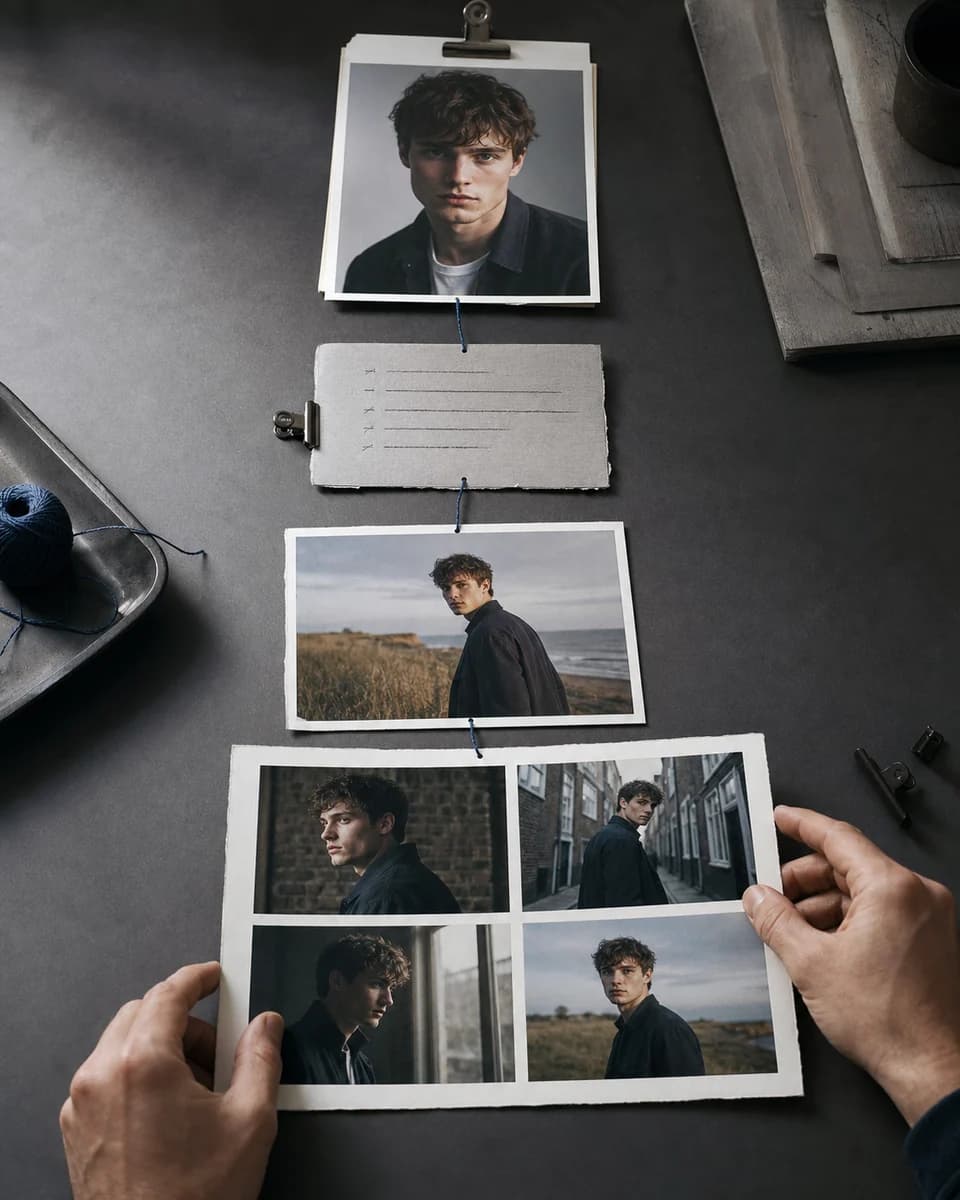
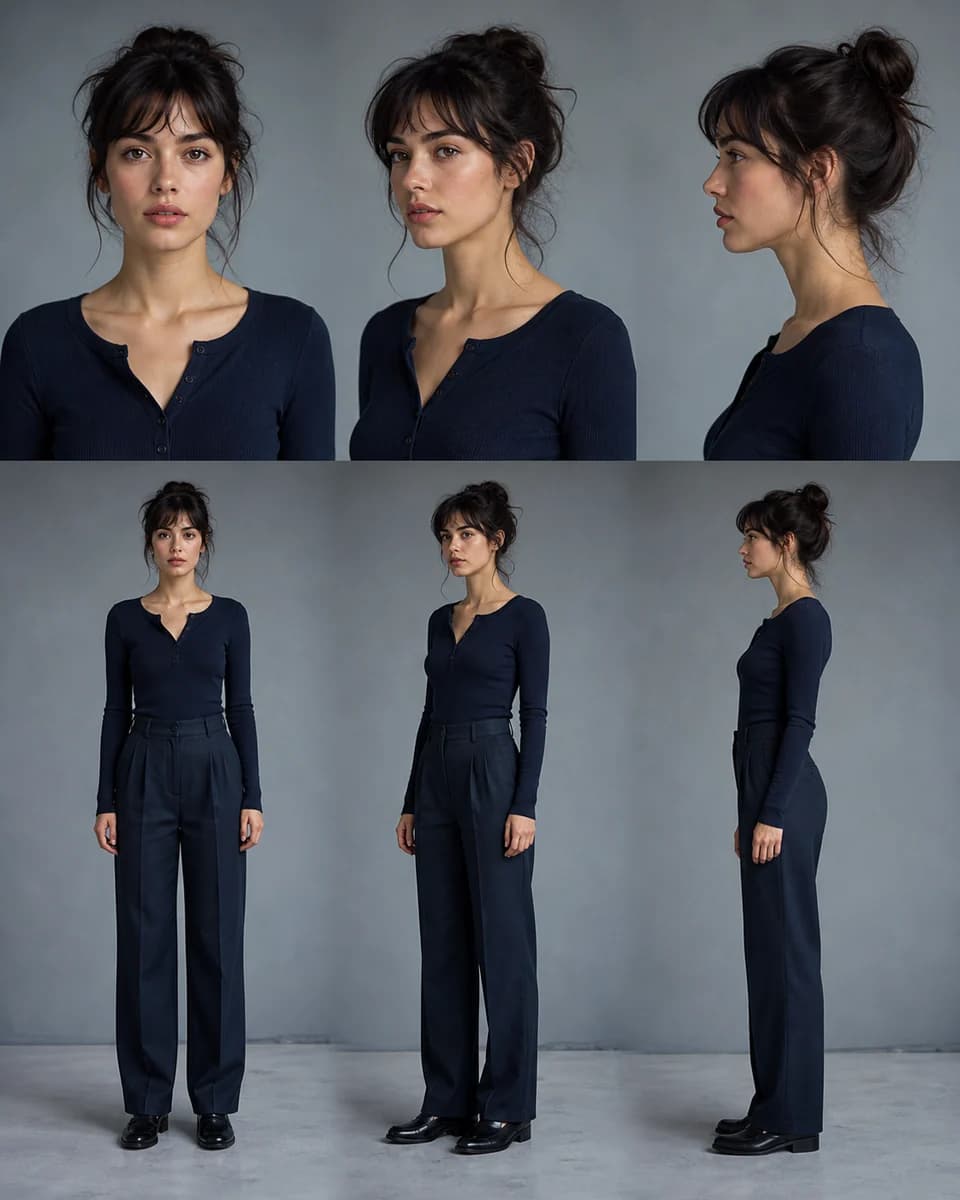
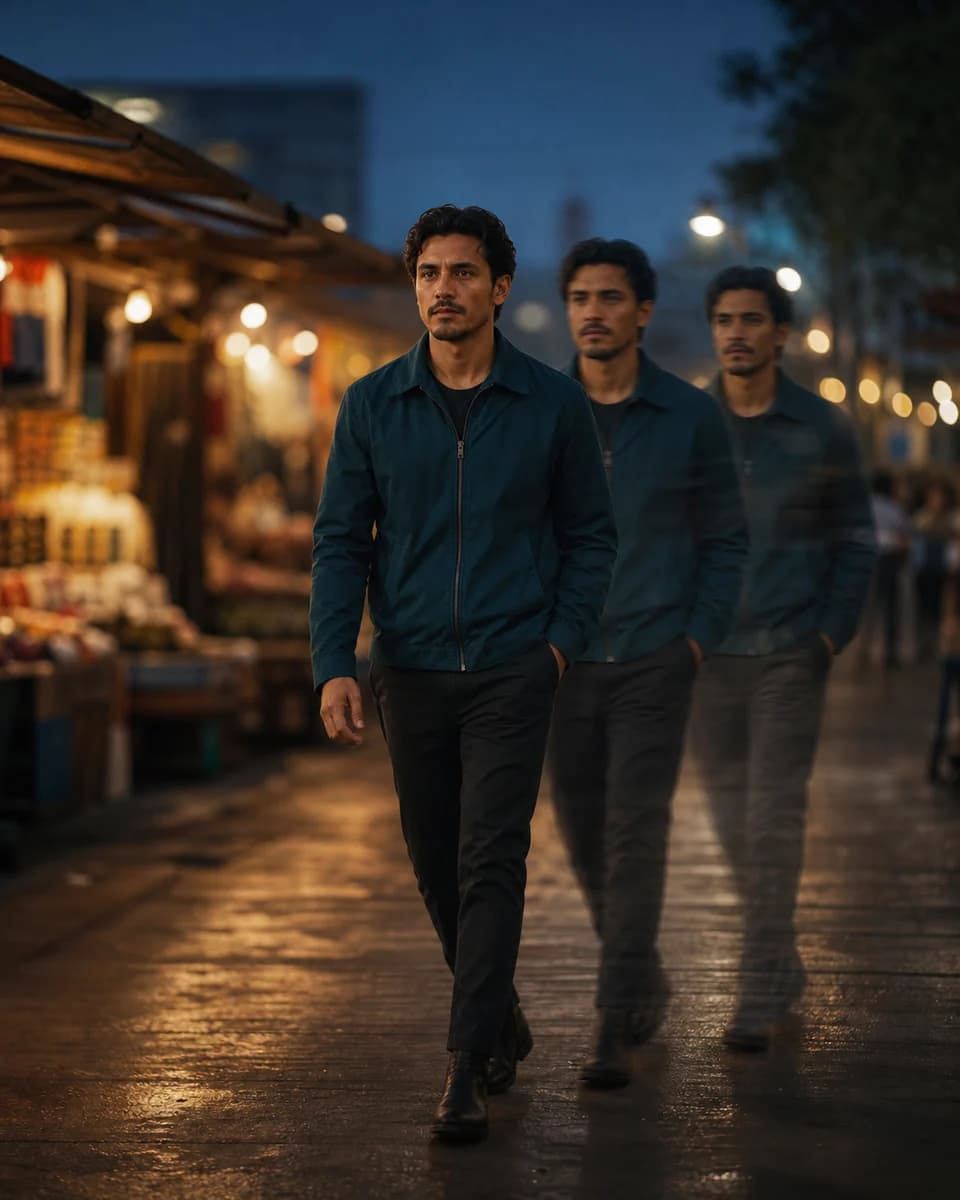
Test the best AI for character consistency on your workload
Start with a trusted image and judge the next scene by identity, control, and correction time.