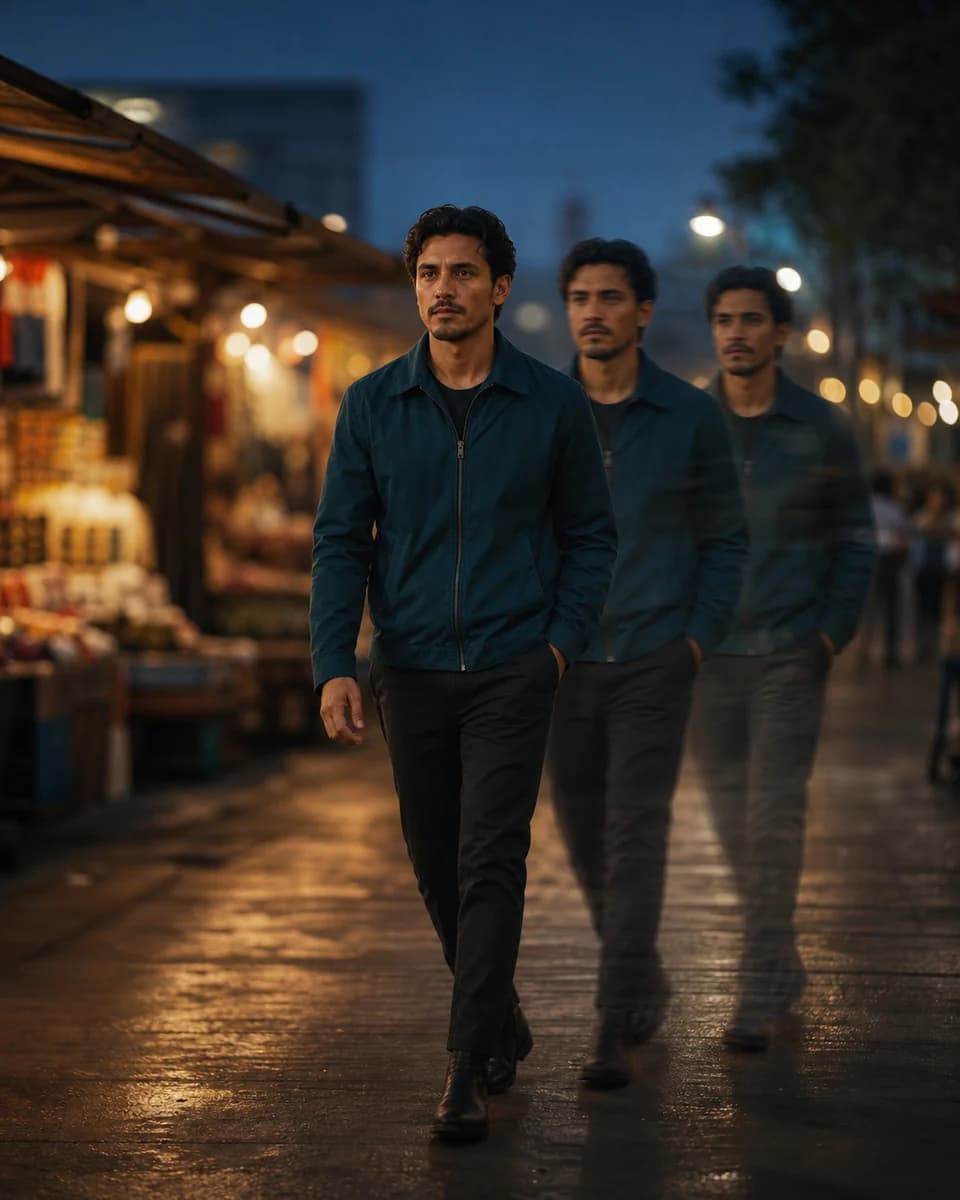
Reference-to-video
Consistent Character Video Generator
Use a consistent character video generator to move an approved still identity into a natural shot while controlling action, camera behavior, and setting.
01
A consistent character video generator must survive motion
Faces can morph between frames, expressions can become rubbery, and details can flicker as the subject turns. A cinematic-looking result is not useful when the person stops being recognizable.
02
Give the consistent character video generator one clear action
Attach the named character reference and write one focused scene prompt. CharaSync adds internal guidance for natural movement, restrained camera behavior, and reduced morphing or plastic-looking motion.
A stable shot has a sequence
Five checks from the opening frame to final approval
- 01
Choose the opening identity
Start with an approved image that resembles the first camera angle. A front portrait gives less information for a shot that begins in full profile, while a busy or heavily retouched reference can make natural motion harder to judge.
- 02
Write one visible action
Describe what the subject does in terms the viewer can see: turns toward the window, lifts a cup, walks three steps, or looks up and smiles. Avoid combining several unrelated actions into one short clip.
- 03
Keep the camera purposeful
Use a locked camera, a slow push, a gentle pan, or a short tracking move only when it helps the action. Rapid orbiting, crash zooms, and multiple cuts add more opportunities for facial and background drift.
- 04
Inspect the middle frames
Identity often looks correct at the start and fails during a turn or expression change. Scrub through the clip and pause where the face, hands, clothing, hair, or background move most quickly.
- 05
Approve before adding the next shot
Do not hide a weak face with editing. Keep the clip only when the character remains recognizable throughout, then use an approved frame as the visual bridge into the next shot if the sequence continues.
Frame-by-frame review
Check identity at the start, middle, and end
- Compare facial geometry before and after head movement.
- Watch the hairline, jacket, and body proportions through motion blur.
- Reject clips that end with a different identity than they started with.
A focused workflow
From reference to repeatable output
- 01
Select the character reference
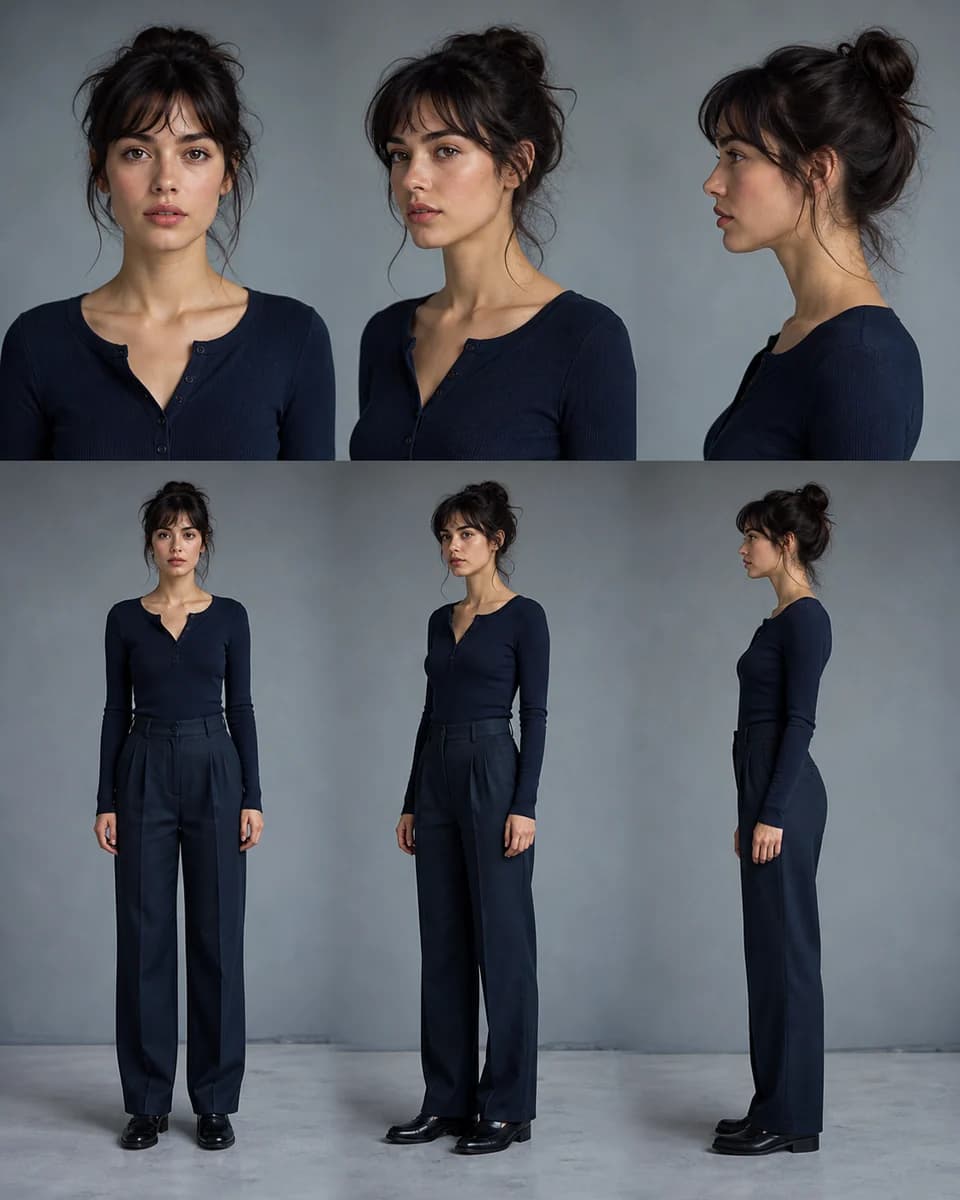
Choose an image that clearly shows the intended face, hair, clothing, and visible body details.
- 02
Describe one natural action
State what the character does, where it happens, and how the camera observes it. Default to one continuous shot.
- 03
Generate and review continuity
Check the face, hands, clothing, background stability, and motion before downloading or adjusting the parameters.
Video continuity in practice
How to review a consistent character video generator result
Use a compact prompt pattern
Write the prompt in four parts: subject and reference, one action, environment, and camera. For example: “@Mara stands at a café counter and turns toward a friend with a natural smile. Morning light enters from the left. Medium shot, locked camera, realistic body motion, one continuous take.”
The reference already supplies the face. Repeating a long biography can compete with the visible direction. Add only the fixed clothing or object details that must appear in this shot.
Review five continuity zones
First check facial structure and age. Then inspect hair and clothing edges, hands and object contact, background geometry, and the rhythm of the body movement. Look for flicker, rubbery expression, sliding feet, floating objects, texture changes, or a background person who freezes while the main subject moves.
A clip can be attractive and still fail continuity. Review at normal speed first, then pause only where the problem appears.
Ask for natural speed explicitly
Slow movement often reads as generated even when the face is stable. Use concrete timing such as “turns in one natural motion,” “walks at an ordinary pace,” or “background guests continue talking and moving.” Do not ask every element to move. Name the two or three motions that make the scene feel alive.
If the action becomes frantic, simplify the camera before reducing all motion. The subject should move naturally while the shot remains easy to read.
Build longer scenes from approved clips
For a multi-shot sequence, create and approve each clip separately. Match wardrobe, light direction, location markers, and the character’s screen position at the cut. A frame near the end of one approved shot can become the reference for the next opening angle.
This keeps failures local. If shot three drifts, you can replace shot three without regenerating the first two or promoting the bad identity into shot four.
Separate character motion from background motion
A living scene does not require every pixel to move. Name the subject action first, then add one or two background behaviors that support it: curtains shift in a light draft, traffic continues outside, or two guests talk behind the character. The consistent character video generator can then focus on a readable hierarchy instead of inventing motion everywhere.
When a background figure freezes, ask for a small repeating behavior rather than a new story event. When the background warps, reduce camera travel and keep the environment description stable.
Use a short motion stress test
Test three clips before committing to a long sequence: a subtle expression change, a natural head turn, and a short full-body action. Together they expose facial, profile, hand, clothing, and gait problems without hiding several failures inside one clip. Use the same reference and similar light so the comparison remains useful.
Record which motion passed, which frame failed, and whether the fix came from a better reference, simpler action, or calmer camera. That record is more valuable than keeping a folder of unnamed retries.
What stays consistent
Protect the details audiences remember
Identity through movement
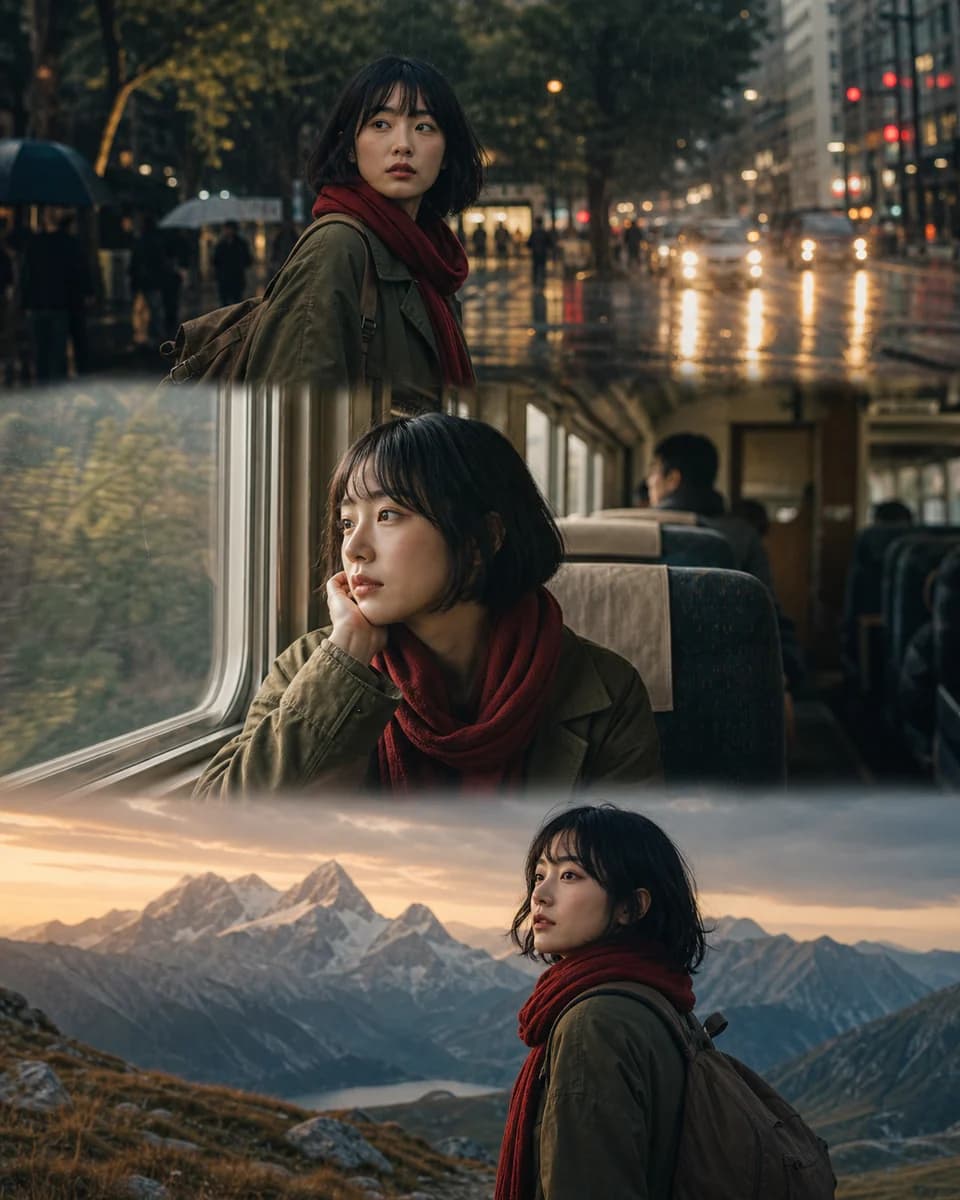
Keep the character recognizable as the head turns, expression changes, and body moves through the frame.
Grounded camera behavior
Avoid unnecessary blockbuster motion in favor of camera choices that support the requested action.
Cleaner temporal continuity
Internal constraints target flicker, warping, floating motion, impossible physics, and unstable details.
Before you create
Frequently asked questions
How do I test a consistent character video generator?
Test the consistent character video generator with the same approved identity in a subtle expression, a head turn, and a short full-body action. Review the result at normal speed.
Is one image enough to generate a consistent character video?
A clear image can work well for a simple shot. Additional reference angles help when the action reveals parts of the face or body not visible in the first image.
Should a video prompt describe multiple shots?
Start with one continuous shot for better identity and motion stability. Ask for two or three short shots only when the story truly requires them.
What is a reference video used for?
Use it to communicate motion, camera behavior, timing, or visual rhythm. Use character images as the primary source for identity.
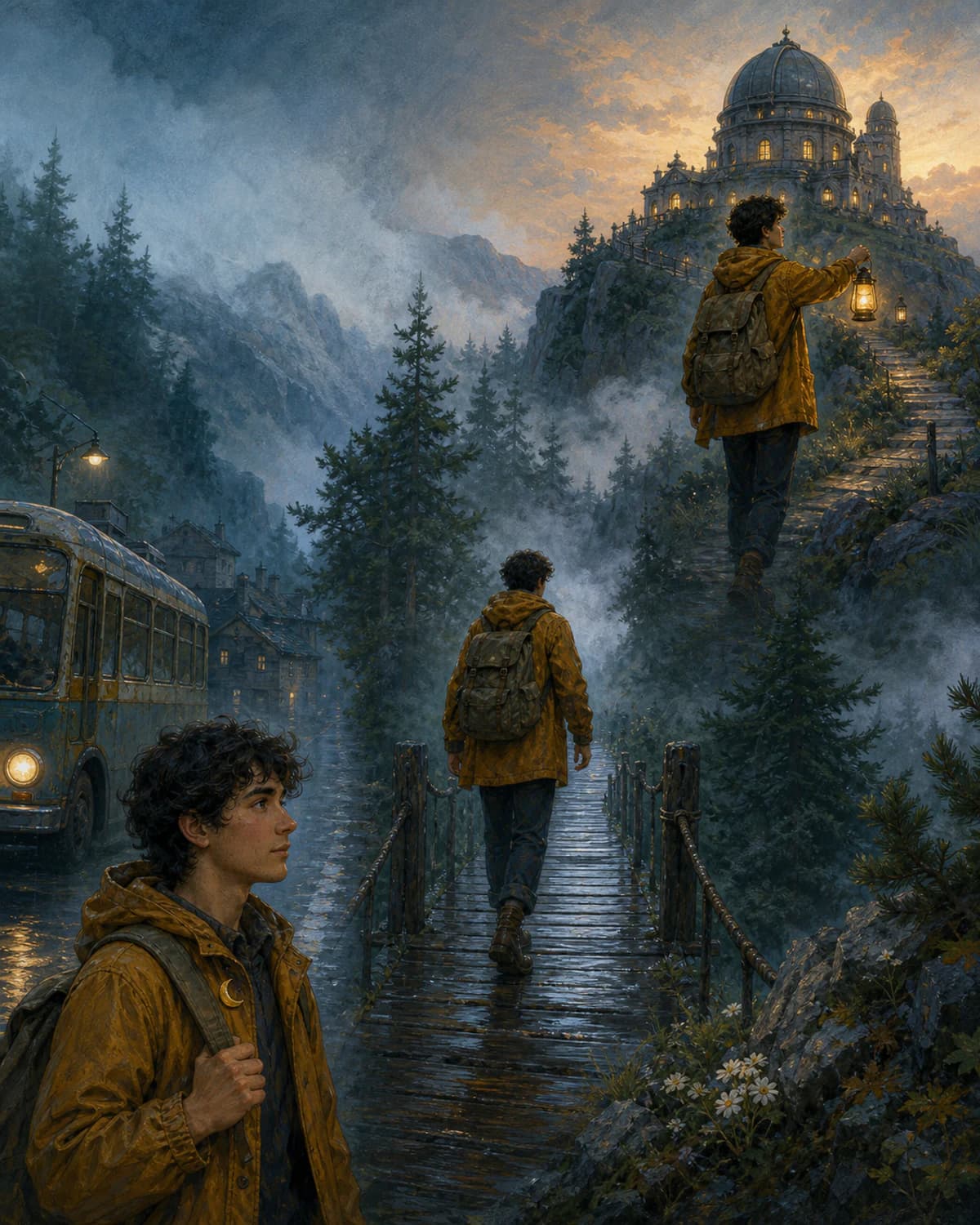
Try the consistent character video generator
Start from a trusted visual reference and create a focused, natural shot with a recognizable subject.