
Multi-character scenes
How to Create Multiple Character Images AI Keeps Distinct
If you are searching for “how to create multiple character images ai,” start with separate named references, then direct where each person stands, what each person does, and which details must never cross between them.
01
One good character does not automatically become a stable cast
Put two people in the same prompt and the model must solve identity, composition, interaction, wardrobe, hands, gaze, scale, and background at once. The common failure is identity bleed: one person borrows the other person’s hairstyle, face, coat, or age. Another result duplicates the lead and drops the supporting character.
Multi-character generation is a workflow question, not a magic prompt. Each person needs a clear source, a distinct role, and a readable place in the frame before the scene becomes crowded. The harder the interaction, the more useful it is to prove the cast in simpler combinations first.
02
Build the cast separately, then compose the relationship
Save one approved master for every cast member and give each a short, unique name. In CharaSync, attach the relevant references and assign each name a position, action, wardrobe, and relationship to the camera. “@Mara sits frame left, @Jon stands behind the counter” gives the model more structure than a paragraph where both descriptions run together.
CharaSync supports up to four reference images in one generation, but that limit is not a target. Begin with two well-separated subjects, confirm that each remains recognizable, and add complexity only after the pair works.
Cast setup
How to create multiple character images AI can separate
- 01
Approve each identity alone
Create a neutral portrait and one useful full-body or three-quarter view for each person. Keep age, face, hair, body shape, and signature wardrobe unambiguous. If two references already look alike, the group scene will make them harder to separate.
- 02
Give every person a spatial address
Use concrete positions: frame left, center foreground, behind the table, entering through the right doorway. Pair the position with one action. Spatial language reduces the chance that clothing and gestures migrate to the wrong subject.
- 03
Make cast members visually separable
Distinct silhouettes, hair shapes, color families, heights, and accessories give the composition identity cues that remain visible at a distance. This is good production design, not a substitute for reference images. Avoid assigning both people nearly identical coats and hairstyles during the first test.
- 04
Stage interaction in increasing difficulty
Start side by side, then try eye contact, then an exchanged object or physical contact. Crossed limbs, embraces, fights, and hands passing small props are difficult because anatomy and ownership overlap. Prove the cast before asking for the hardest blocking.
A focused workflow
From reference to repeatable output
- 01
Create one master per cast member
Approve each person separately and save the image with a unique name. Choose references that clearly disagree on hair, silhouette, age, or color when the character designs allow it.
- 02
Write the shot as assignments
Name each subject, then give that subject one location, one action, and any wardrobe detail. Describe camera and environment after the individual assignments.
- 03
Audit every identity before aesthetics
Check that nobody vanished, duplicated, swapped clothes, or borrowed facial traits. Only then judge lighting, composition, expression, and atmosphere.
Scene direction
A repeatable way to direct multiple characters
Use a prompt with visible ownership
Write one sentence per subject before describing the shared scene. For example: “@Mara is seated frame left, wearing her rust coat, hands around a white cup. @Jon stands frame right behind the counter, dark apron, looking toward Mara. Medium-wide cafe interior, morning window light, natural documentary framing.” The structure makes ownership readable to both the model and the reviewer.
Avoid a single dense sentence that mixes two faces, two outfits, and three actions. If a detail matters, attach it to a name. If it does not matter, leave it out until the identities hold.
Test pairs before a four-person scene
A cast of four creates six possible pairs. You do not need to render every combination, but test the pairs that share the most screen time or look most alike. A short pair matrix exposes identity bleed while the cause is still visible.
Use the minimum reference set for the shot. One approved image per person may be better than four images that all describe the lead while the supporting character gets weak evidence. CharaSync can accept four total references, so spend that capacity where ambiguity is highest.
Control overlap and depth
When one person stands behind another, the model receives fewer visible identity cues for the rear subject. Keep both faces unobstructed during the first composition test, then introduce foreground overlap. State who is closer to the camera and whether the shot is full-body, waist-up, or close.
Props create another ownership problem. Say who holds the book, who reaches for it, and where it sits between them. If the handoff fails, generate the moment before or after contact rather than forcing a physically ambiguous midpoint.
Review the cast with a fixed checklist
Count people first. Then check each named identity from face to silhouette, each wardrobe assignment, each action, and the spatial relationship. Finally inspect hands, props, gaze, shadows, and background. Save a result only when the important identities pass, even if a rejected image has more dramatic lighting.
For a sequence, compare each character against the original solo master, not only against the previous group image. That prevents small cross-character mistakes from becoming the new reference standard.
What stays consistent
Protect the details audiences remember
Distinct people in one readable frame
Each cast member keeps a recognizable face, silhouette, wardrobe assignment, and clear position in every frame instead of blending into a generic group.
Interactions that can be debugged
Staged difficulty and named assignments reveal whether the failure comes from identity, blocking, anatomy, a prop, or an overloaded prompt.
A cast that can return in later scenes
Solo masters remain the identity source while approved pair and group shots add composition evidence without replacing the original characters.
Before you create
Frequently asked questions
How many characters can I place in one CharaSync image?
CharaSync accepts up to four reference images per generation. That does not guarantee four stable people in every composition. Start with two subjects, use one clear reference per person, and increase the cast only after identity and spatial assignments hold.
Why do two AI characters start looking alike?
References may be visually similar, the prompt may mix ownership, or the scene may hide key identity cues. Strengthen distinct silhouettes and color families, attach every important trait to a name, and test the characters side by side before adding overlap.
What prompt format works for multiple characters?
Use one assignment per person: name, position, action, and wardrobe. Then add camera, lighting, and environment. This format is easier to review and correct than a paragraph that interleaves every subject.
Is this how to create multiple character images AI will reproduce perfectly?
It is a controlled method, not a perfect-reproduction promise. Complex contact, occlusion, distant faces, and similar designs can still drift. Use solo masters, pair tests, and a fixed identity review before accepting each group frame.
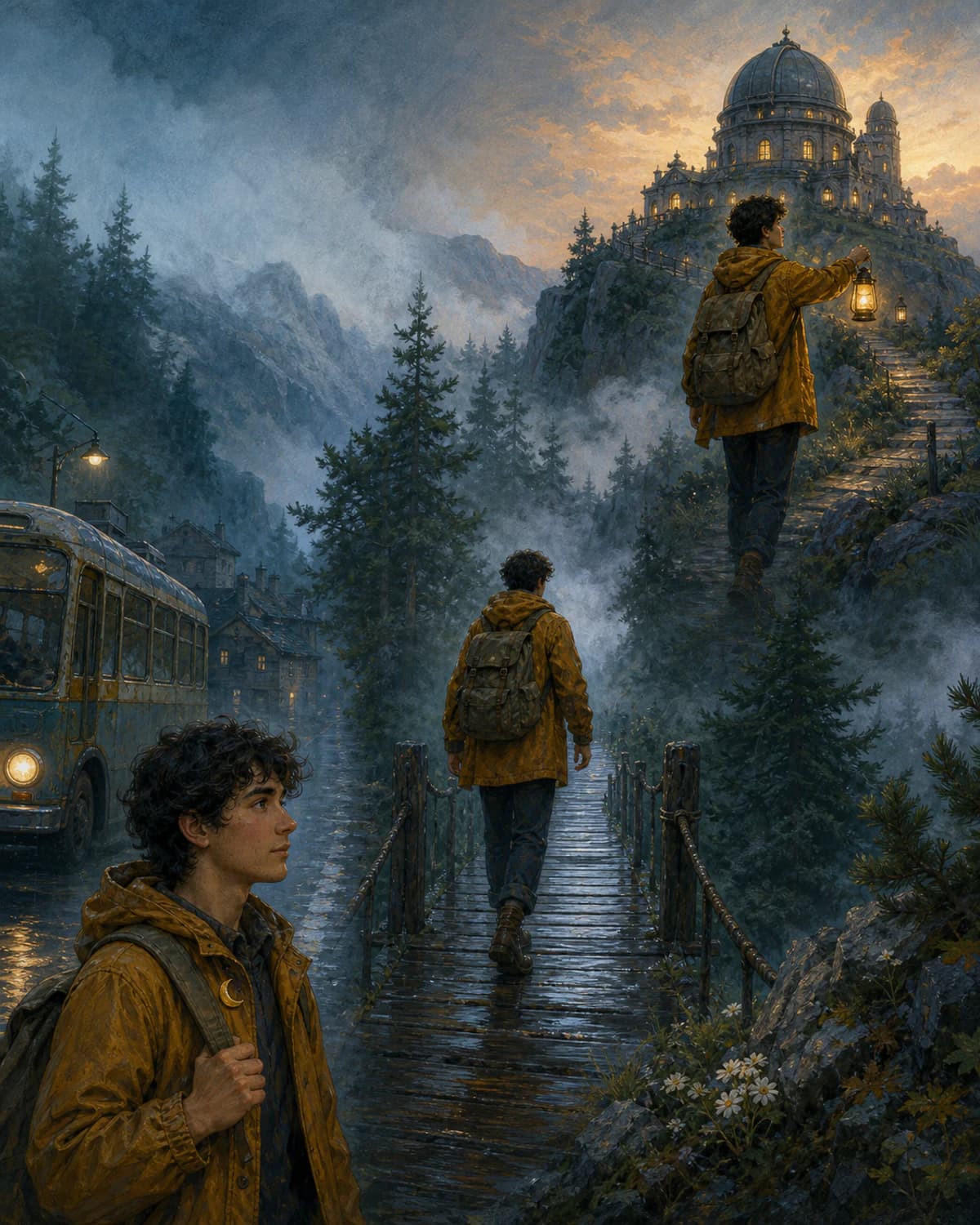
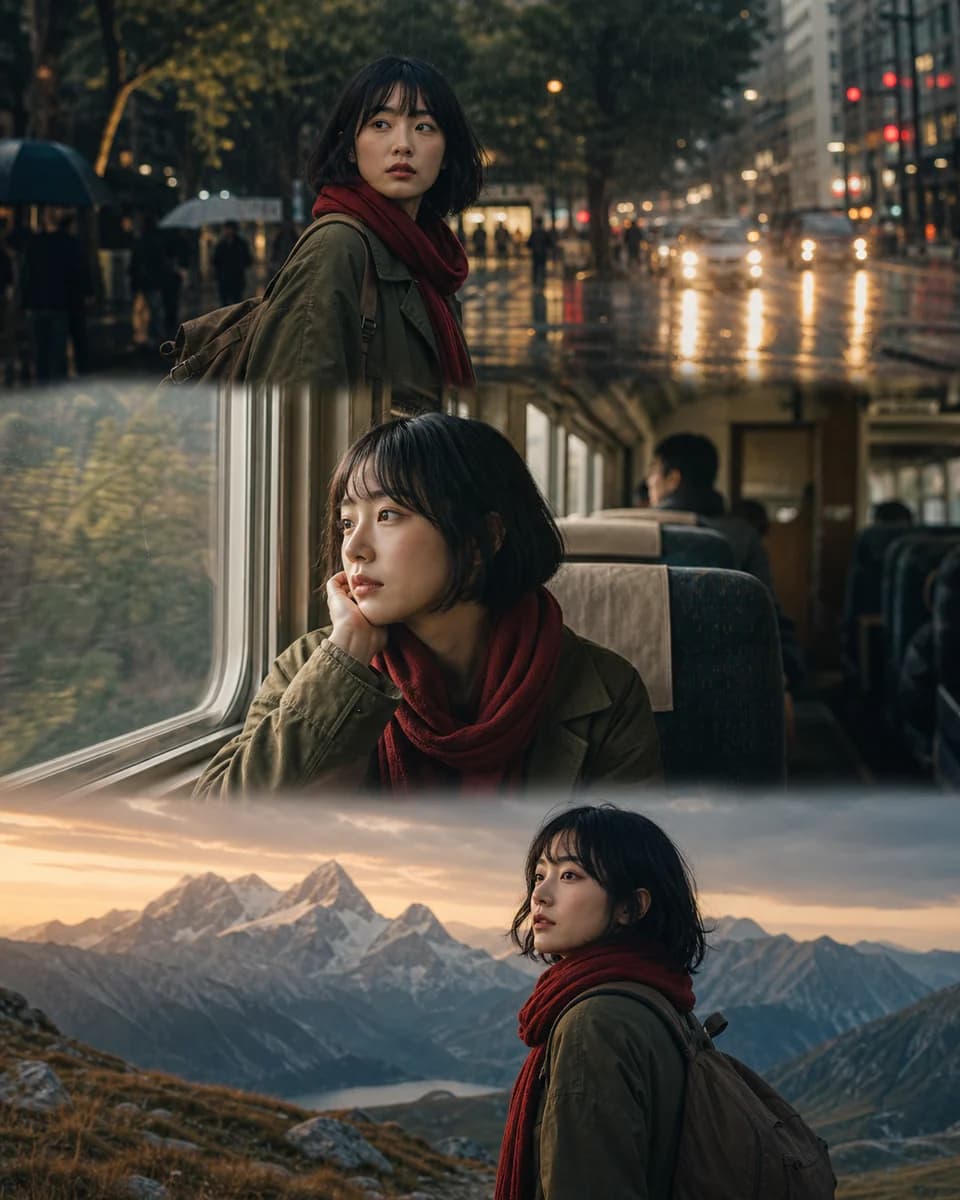
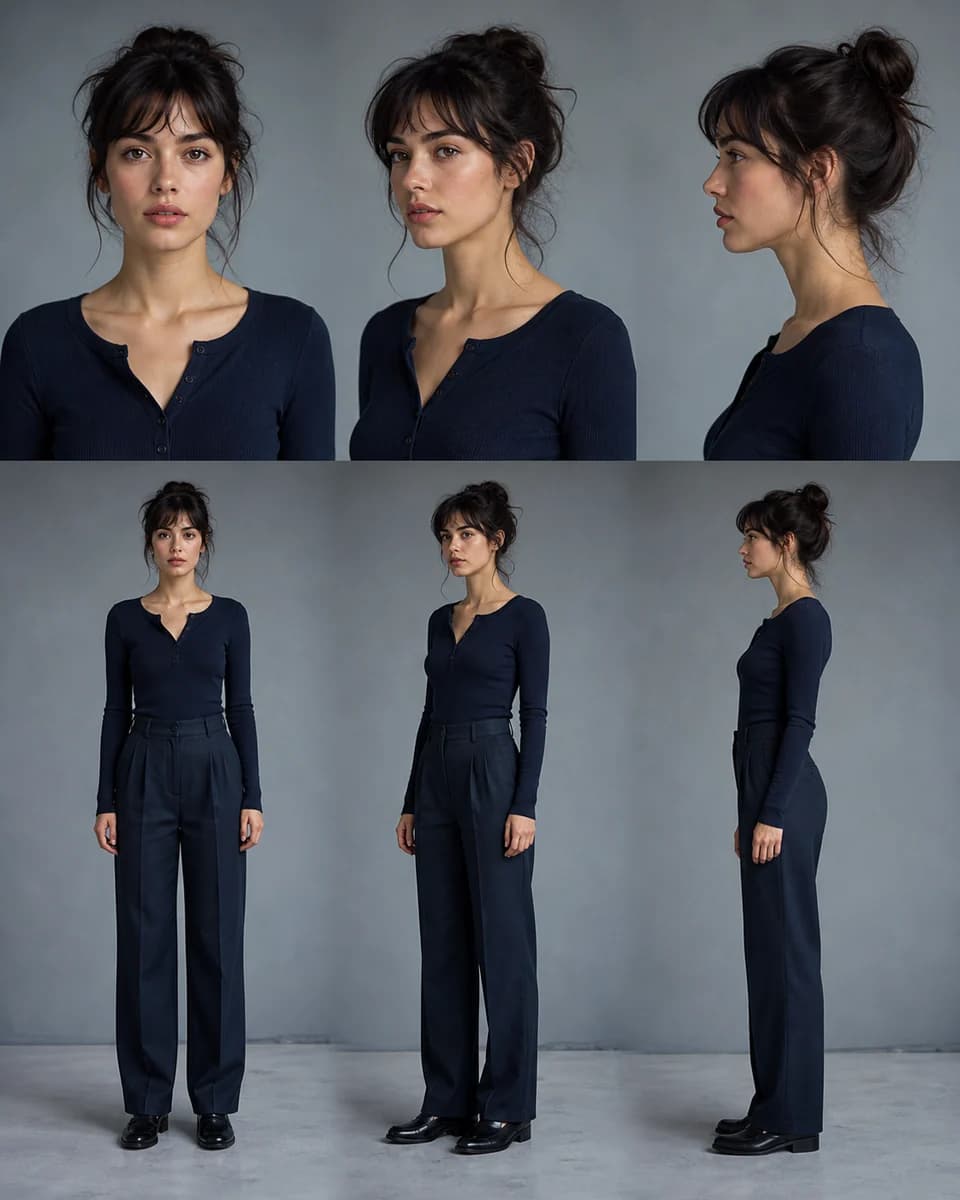
Direct a cast without blending the cast
Add one approved reference per person, name the positions and actions, and learn how to create multiple character images ai can keep readable.